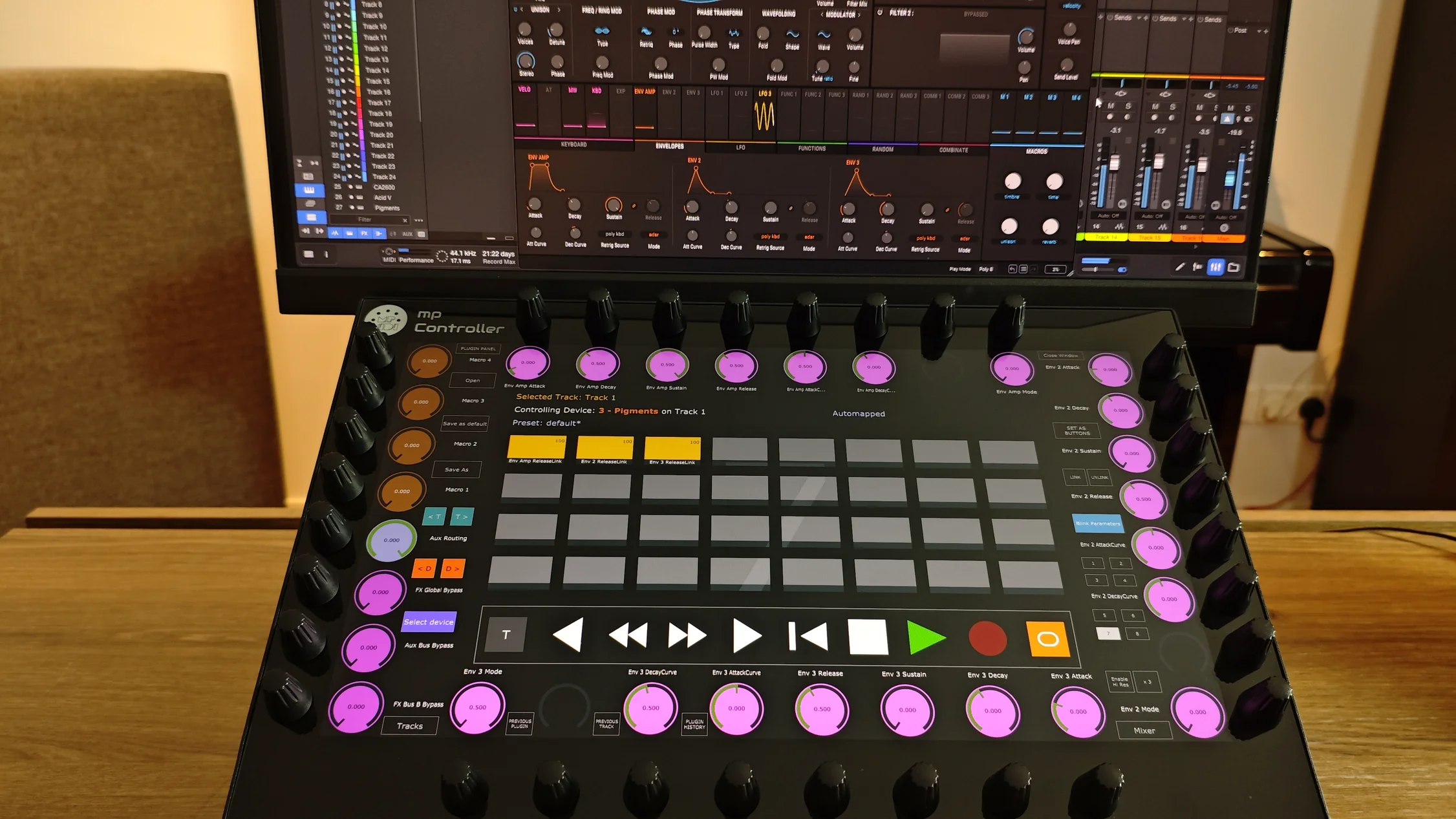
Bring the speed and precision of a professional hardware control surface to Fender Studio and PreSonus Studio One. The MP Controller automatically follows your selected devices, plugins, instruments and mixer channels, giving you instant hands-on control exactly where you need it. As you move through your project, the controller stays in sync with your workflow, so you can focus on creating instead of navigating menus and windows.
No manual setup required. As soon as a device or plugin is selected in Fender Studio or Studio One, the controller retrieves the available parameters from the DAW and synchronizes instantly.
Easily identify mapped controls. When a parameter is adjusted inside the DAW, the corresponding control on the MP Controller highlights automatically, making it easy to locate and adjust from the hardware.
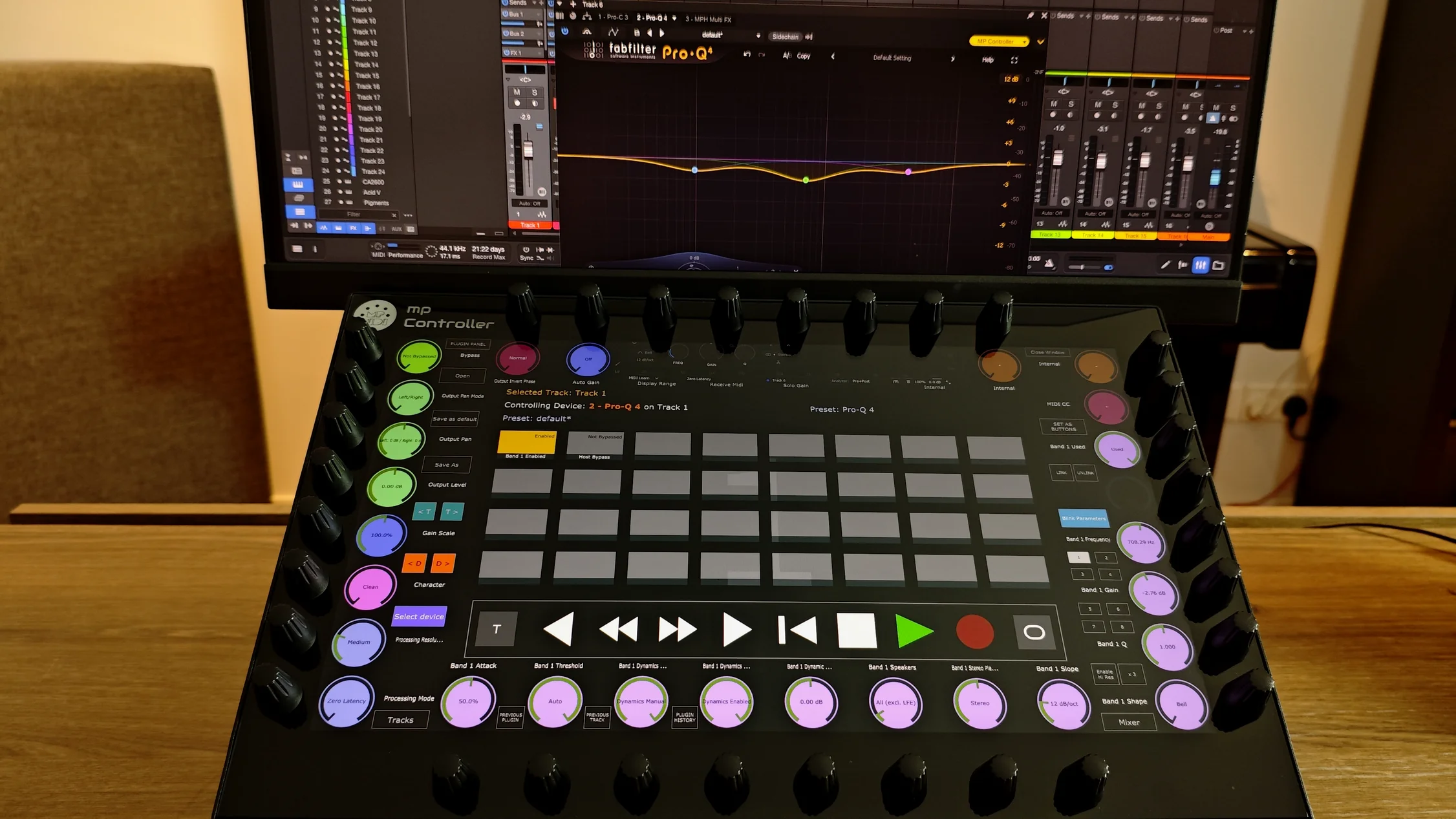
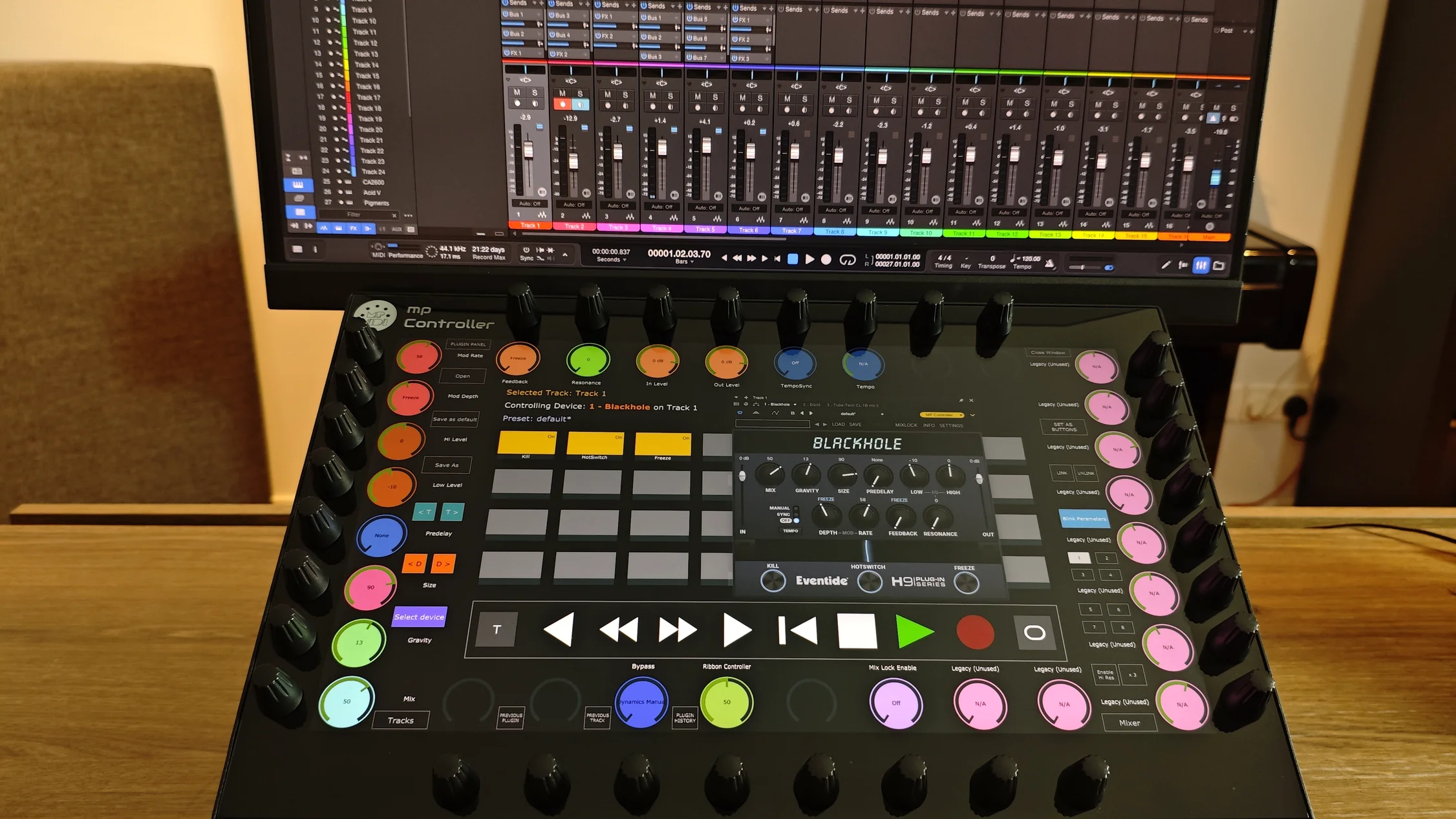
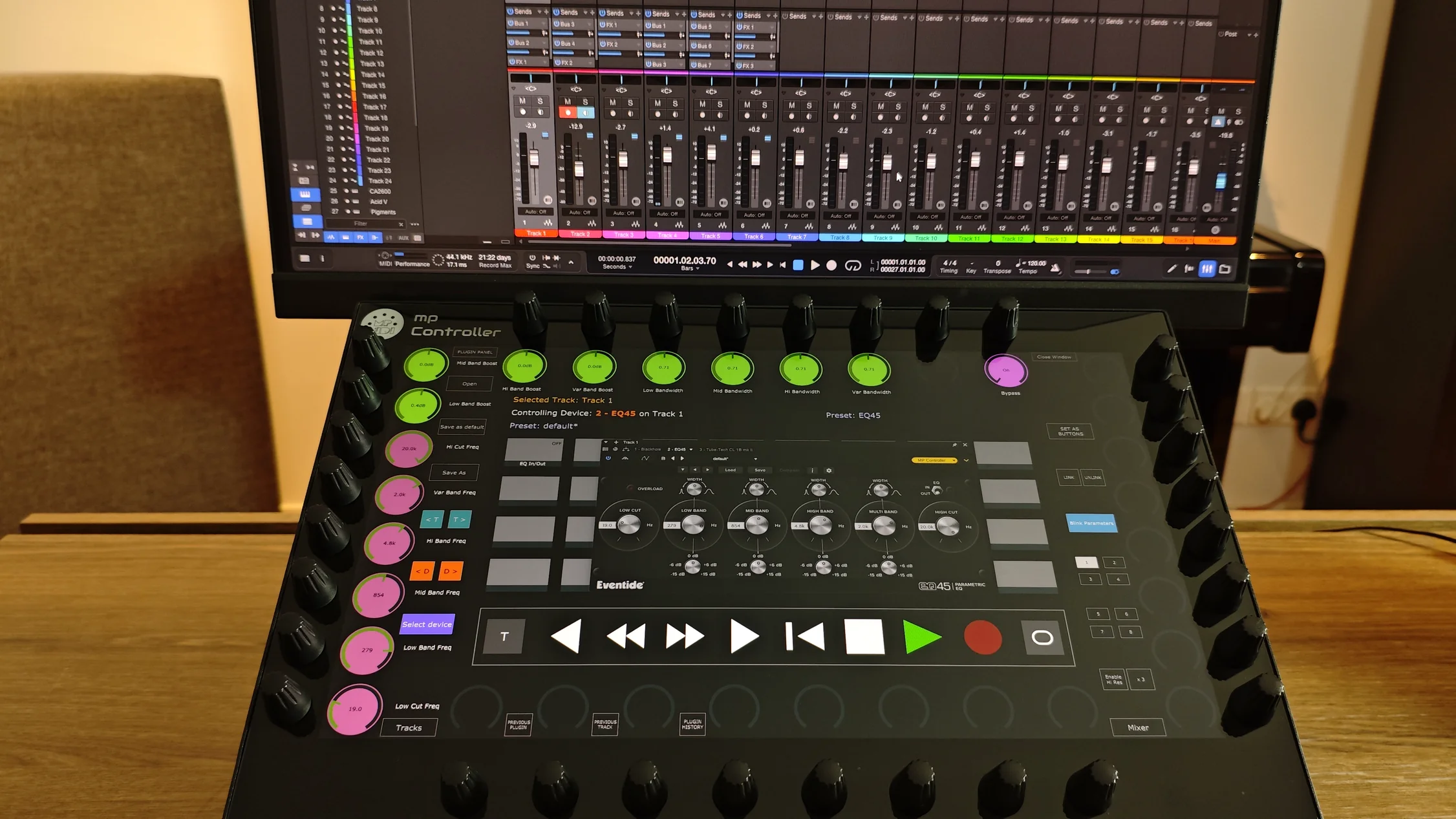
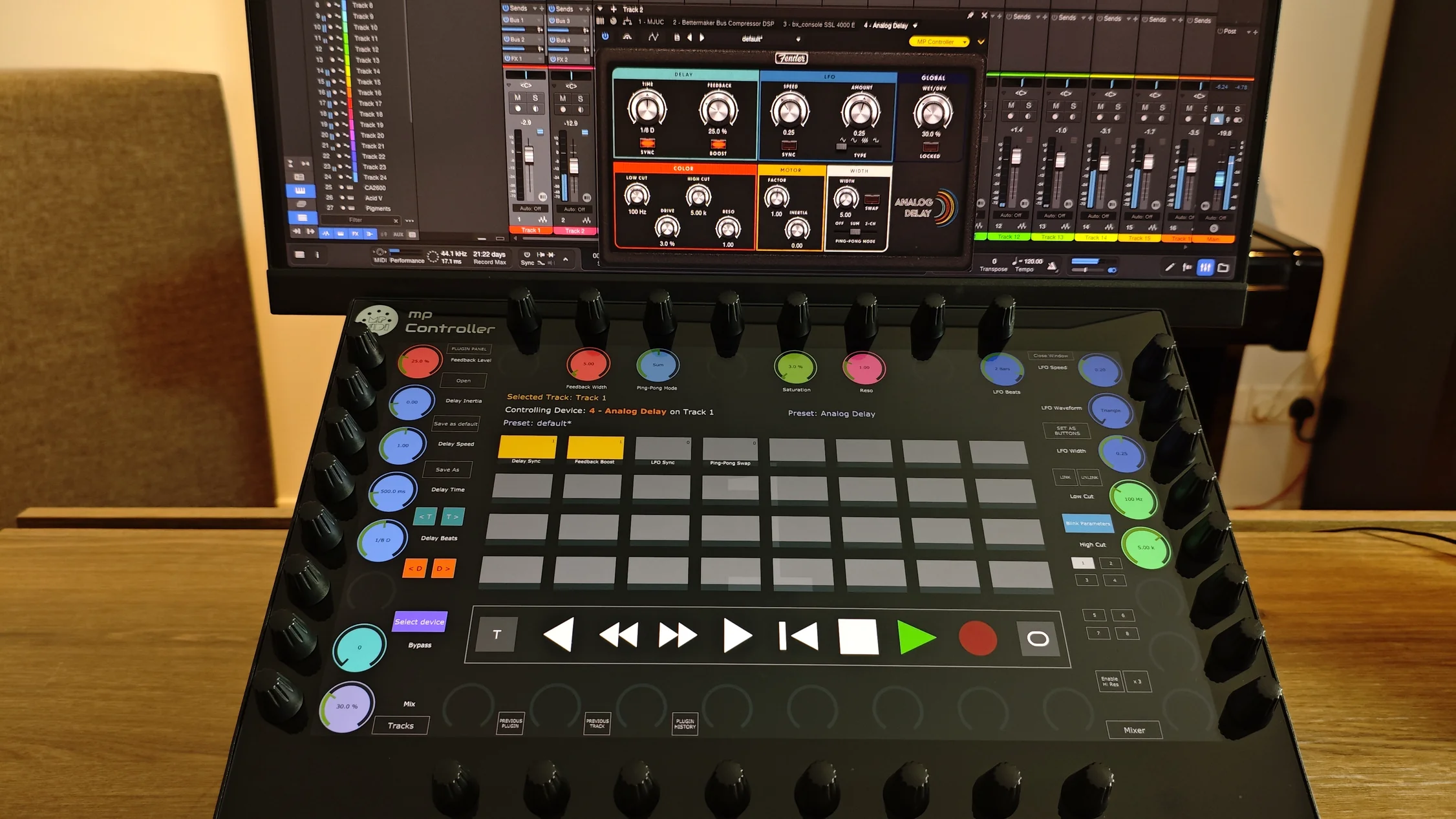
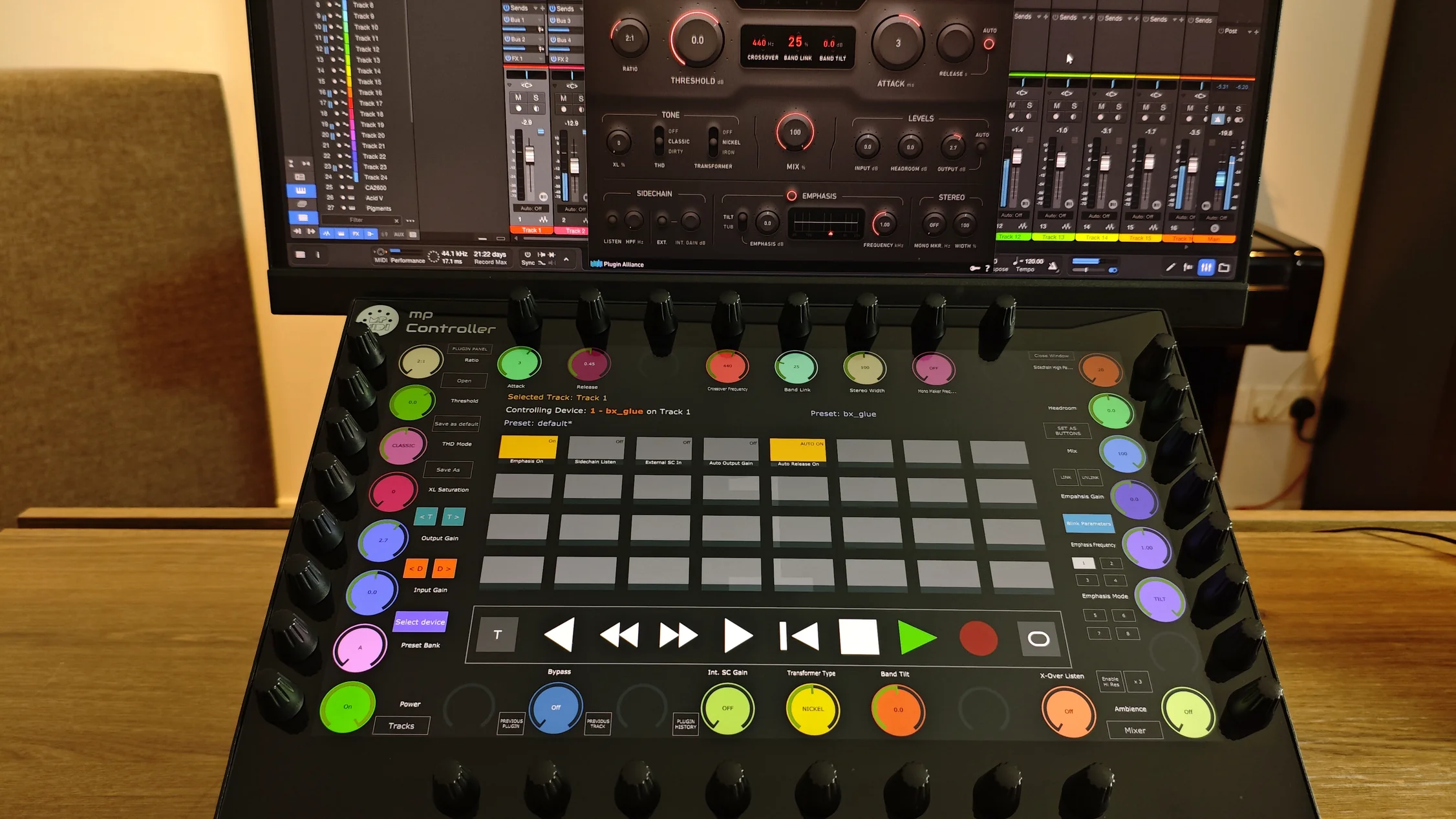
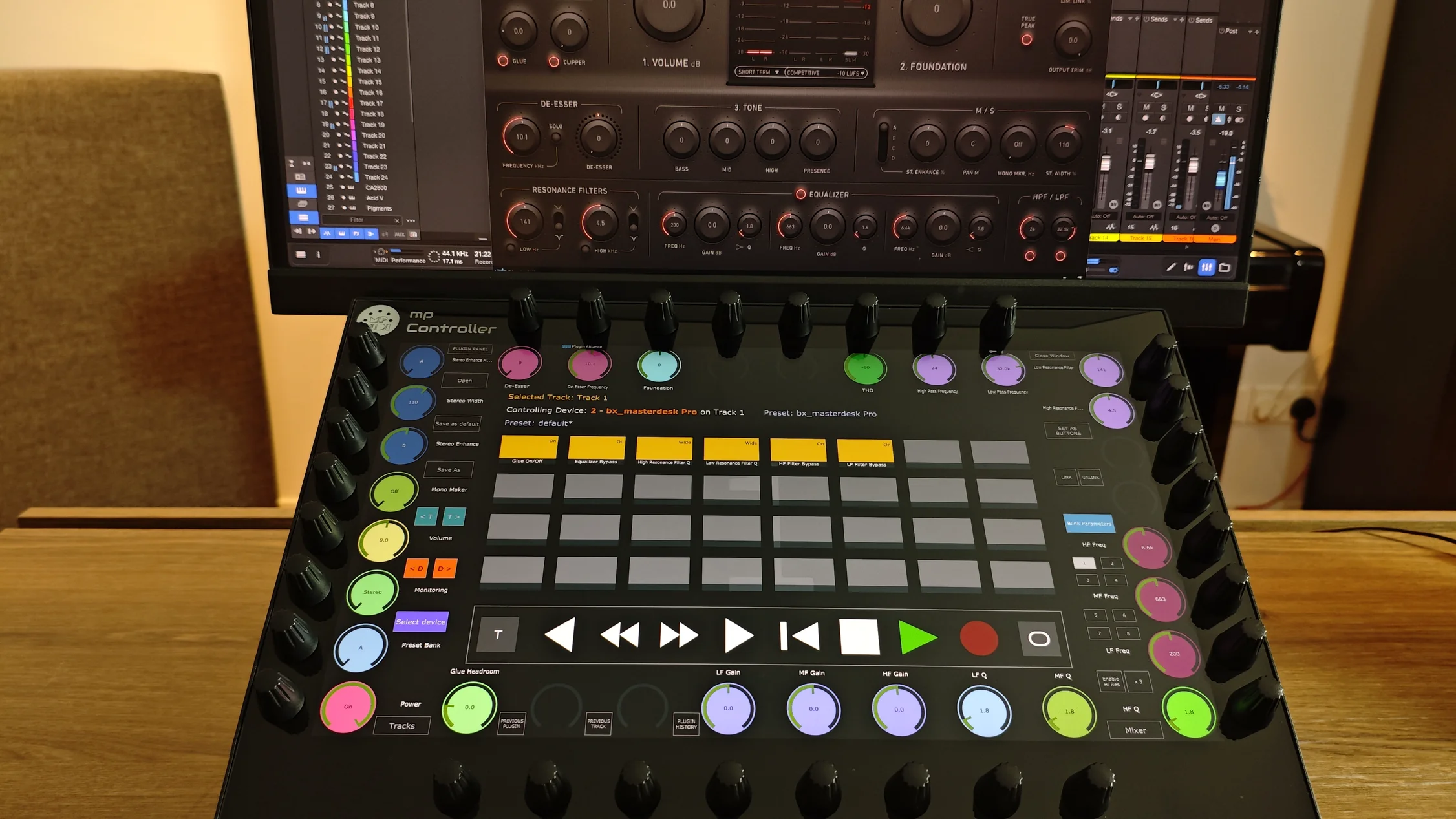
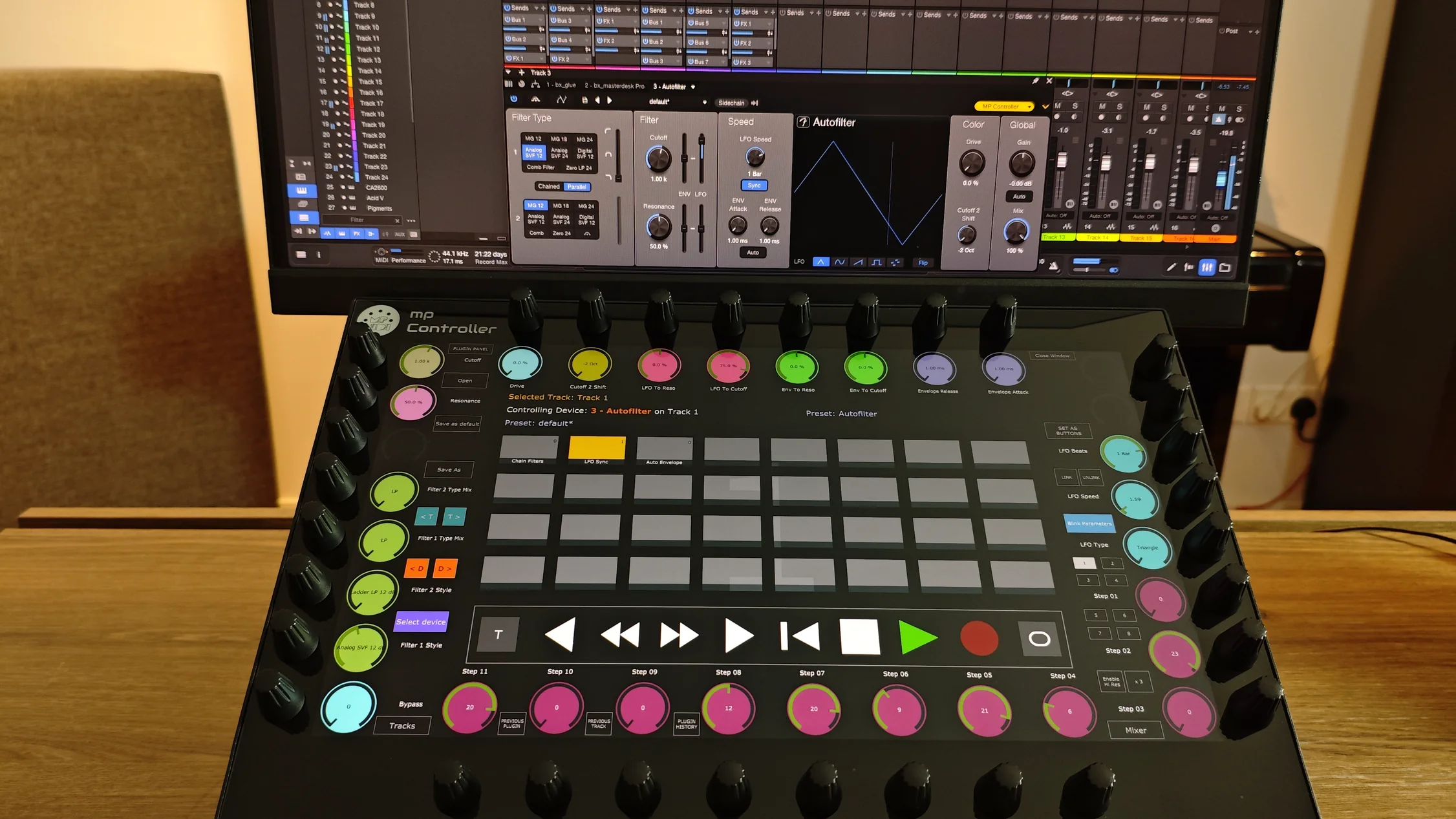
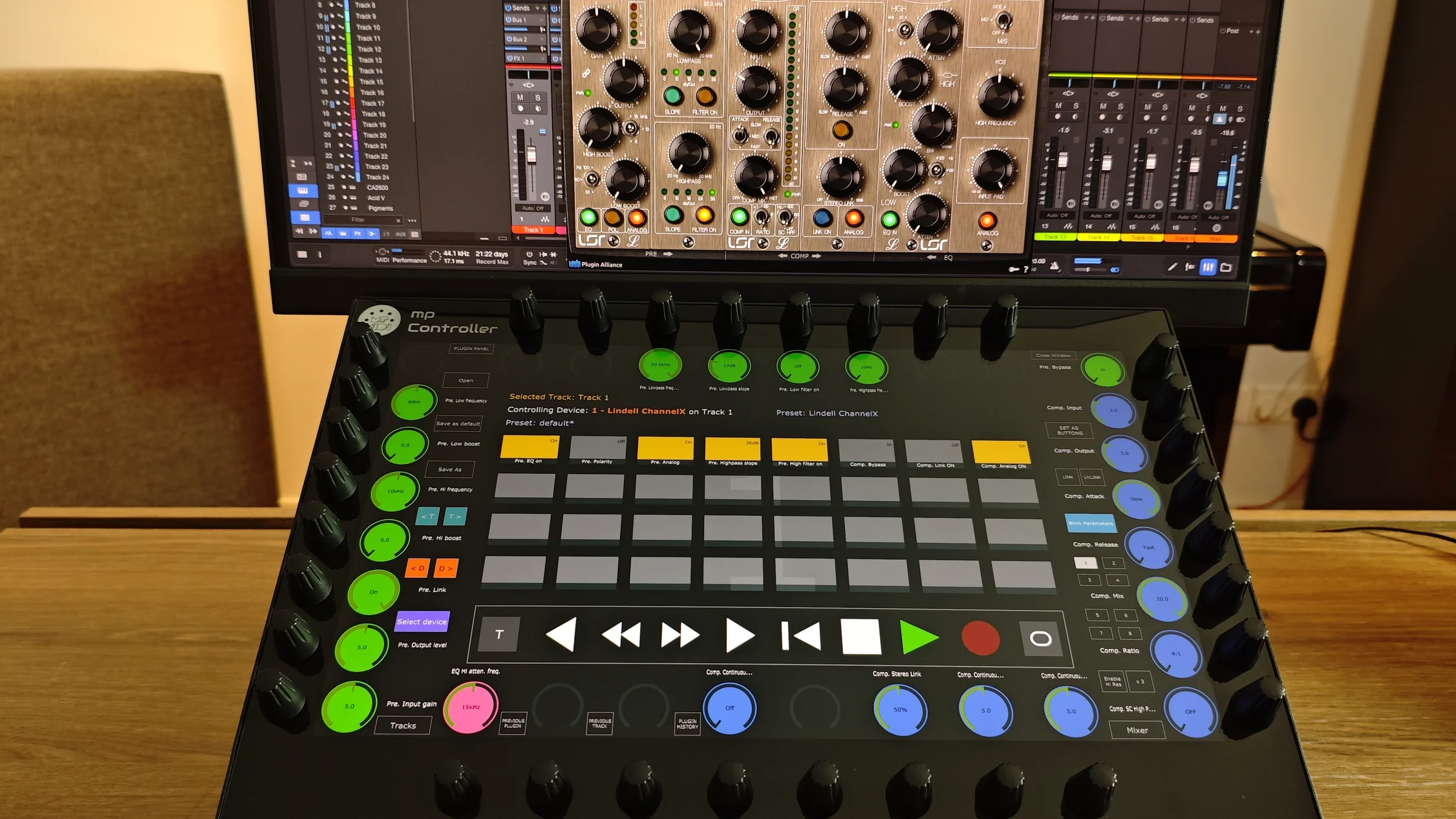
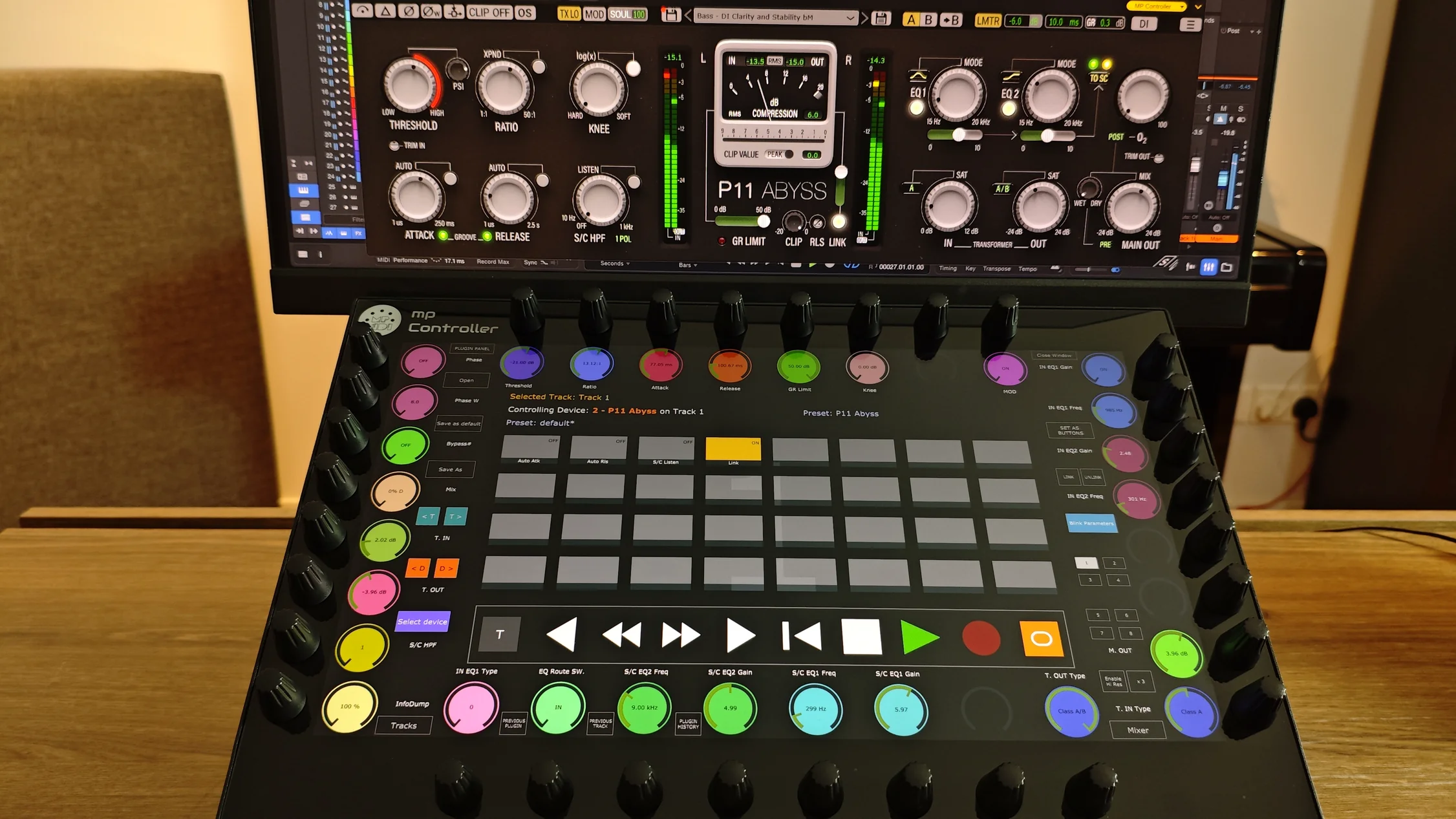
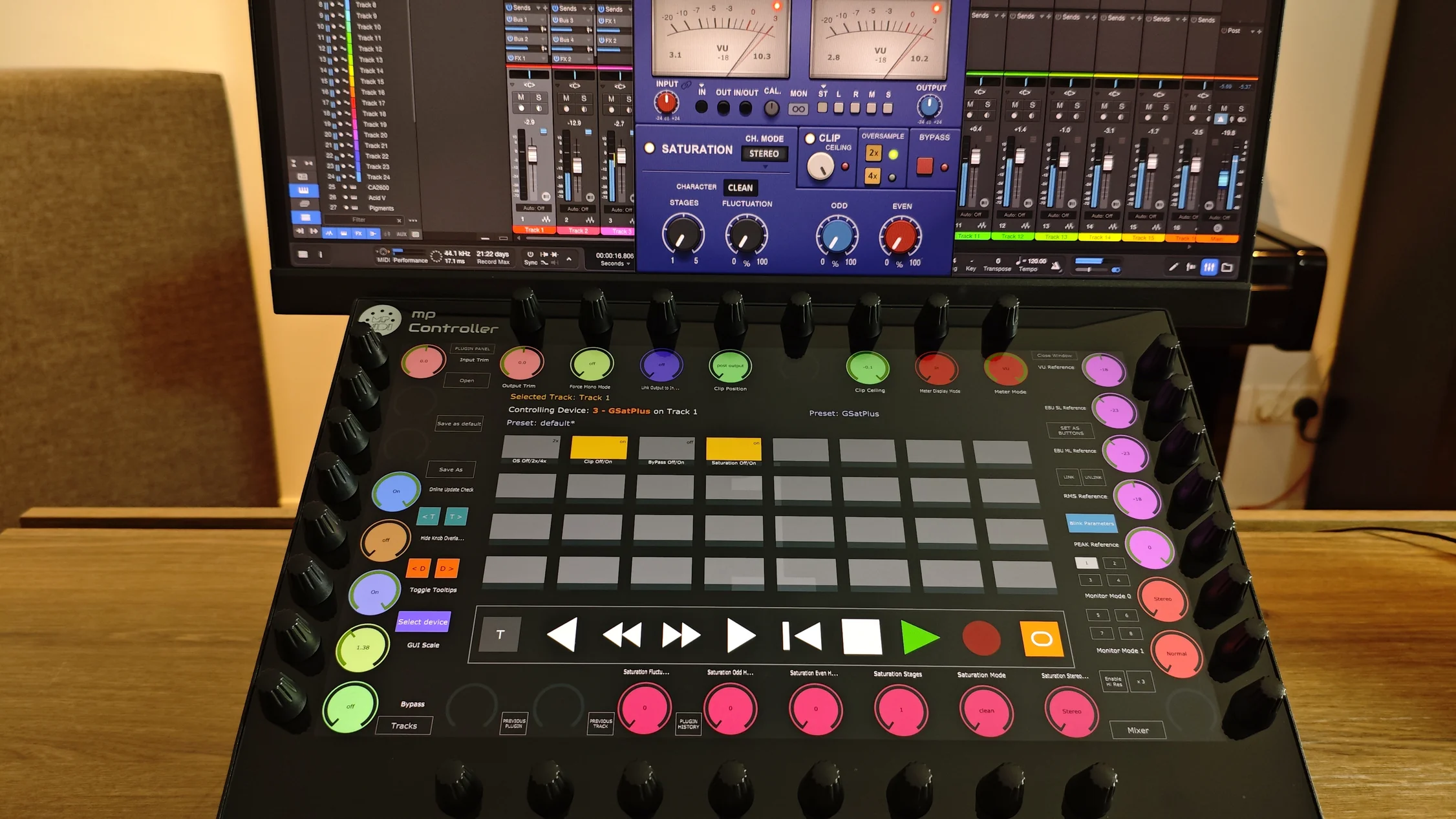
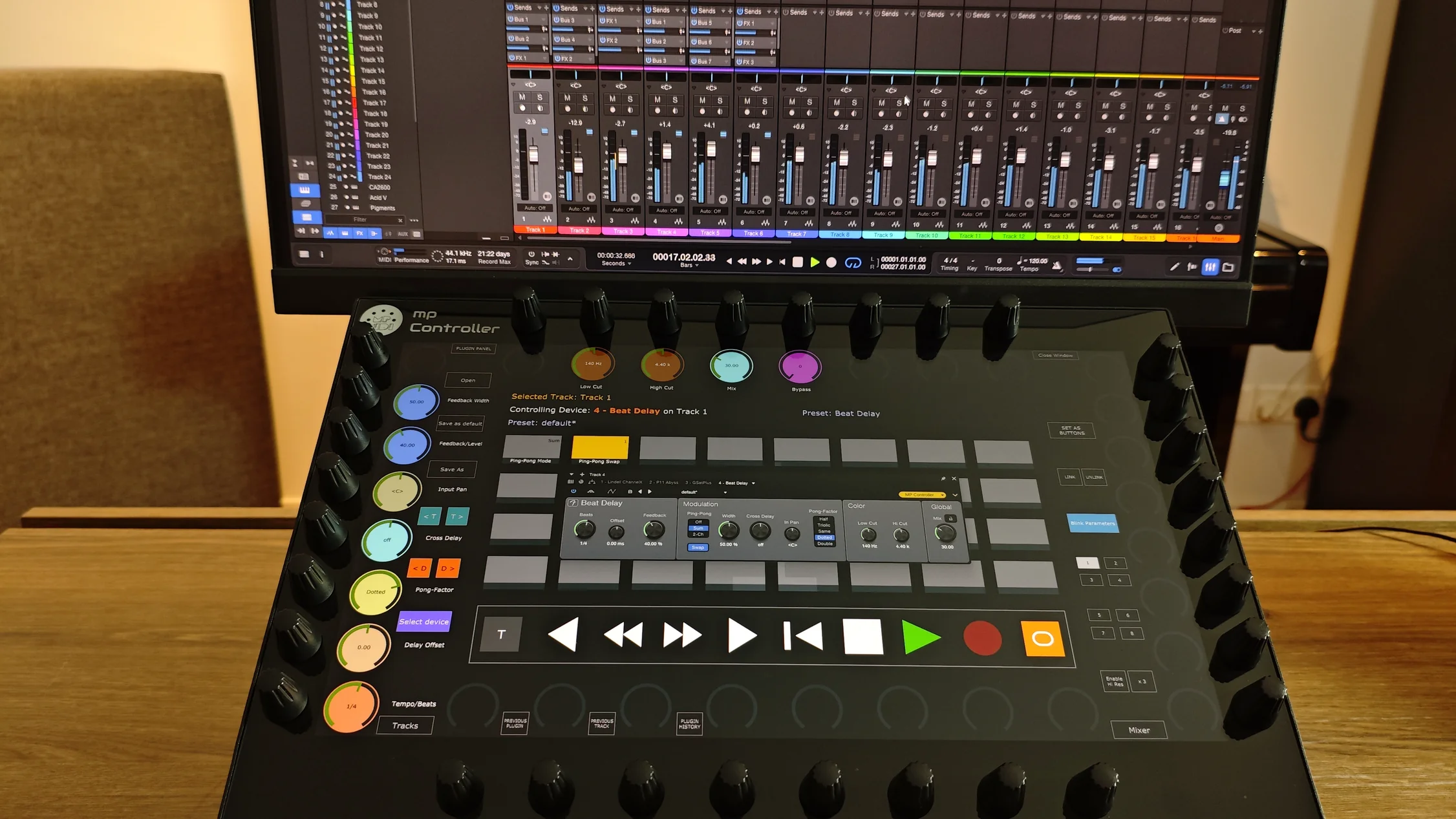
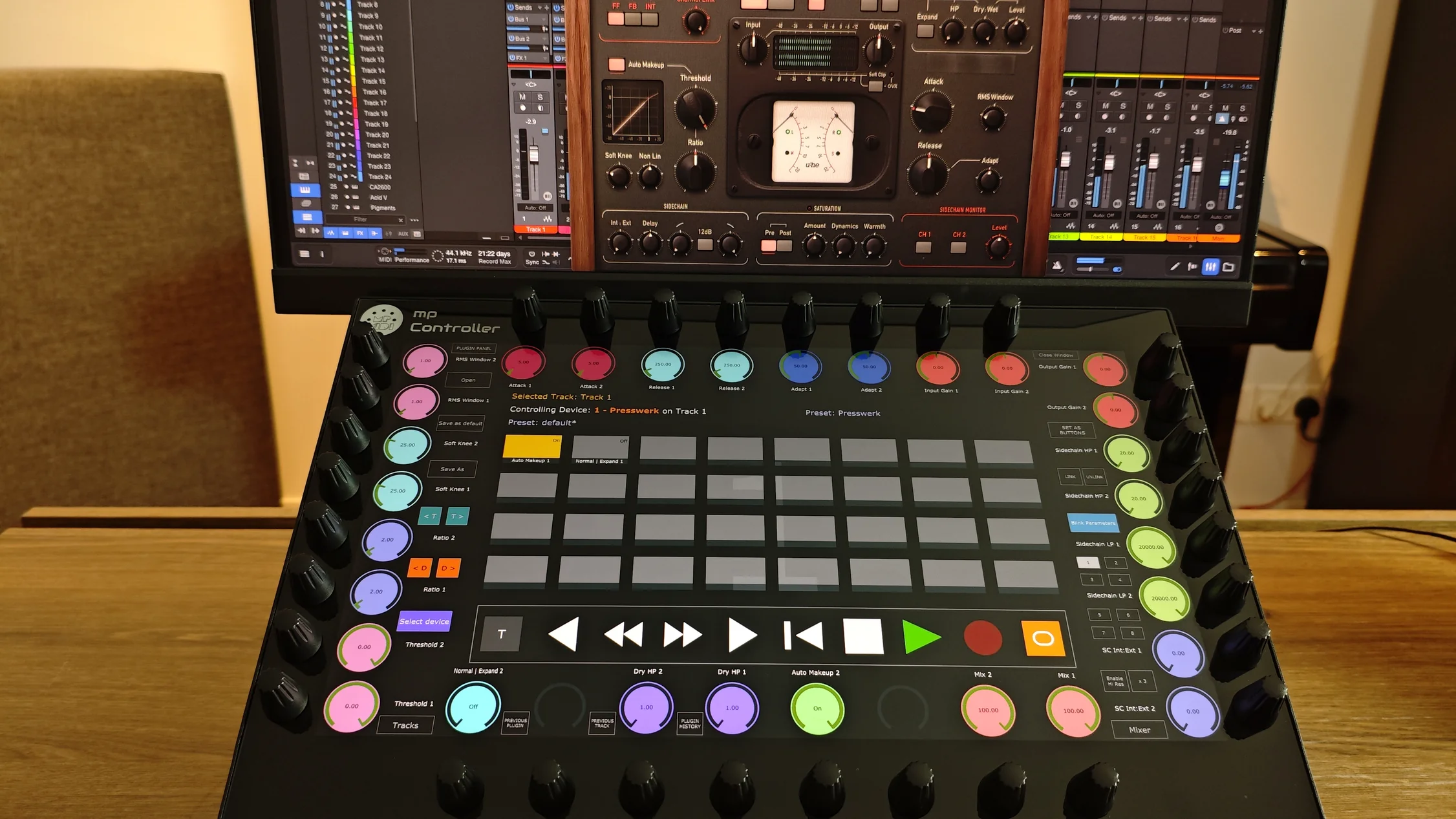
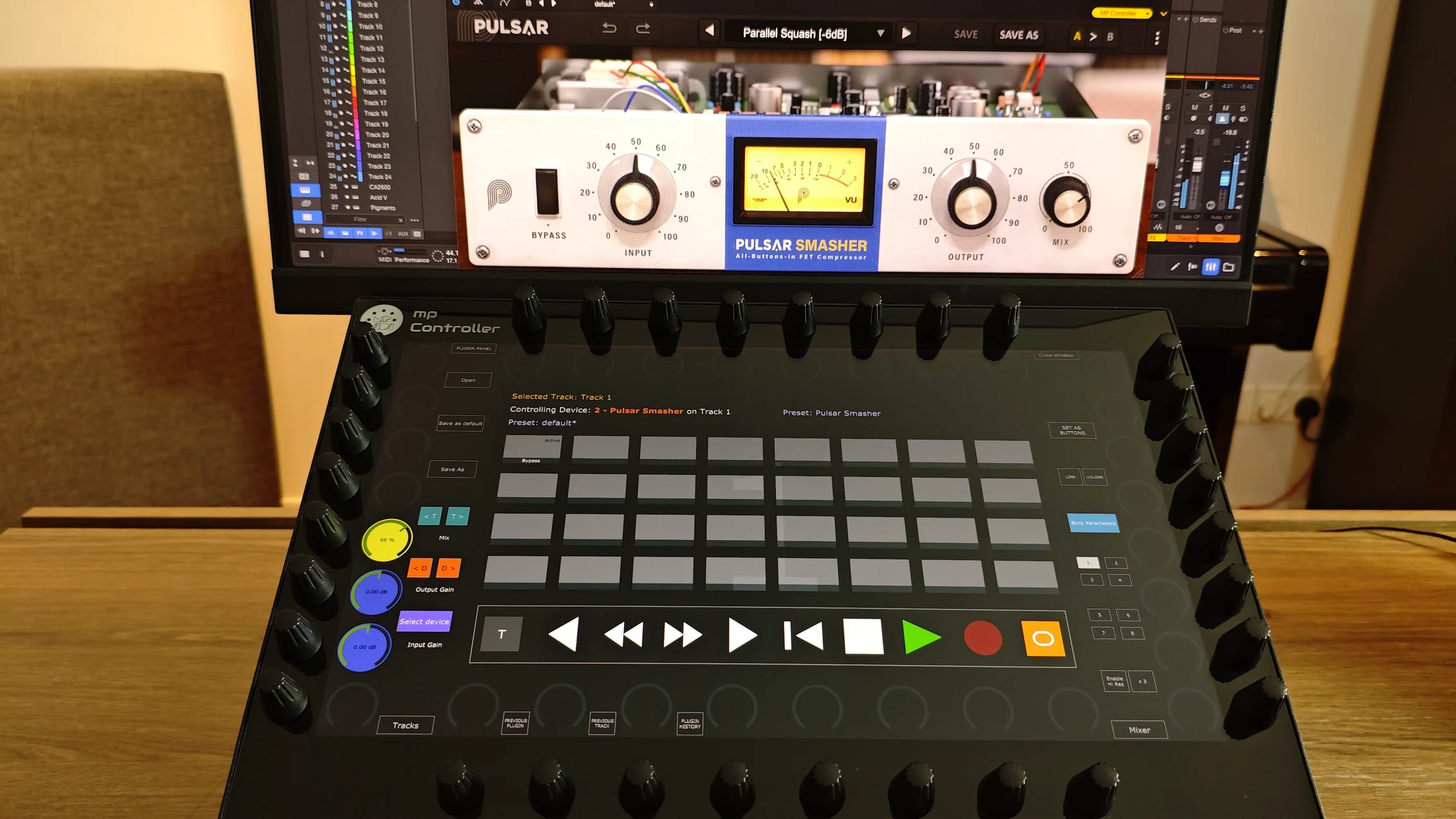
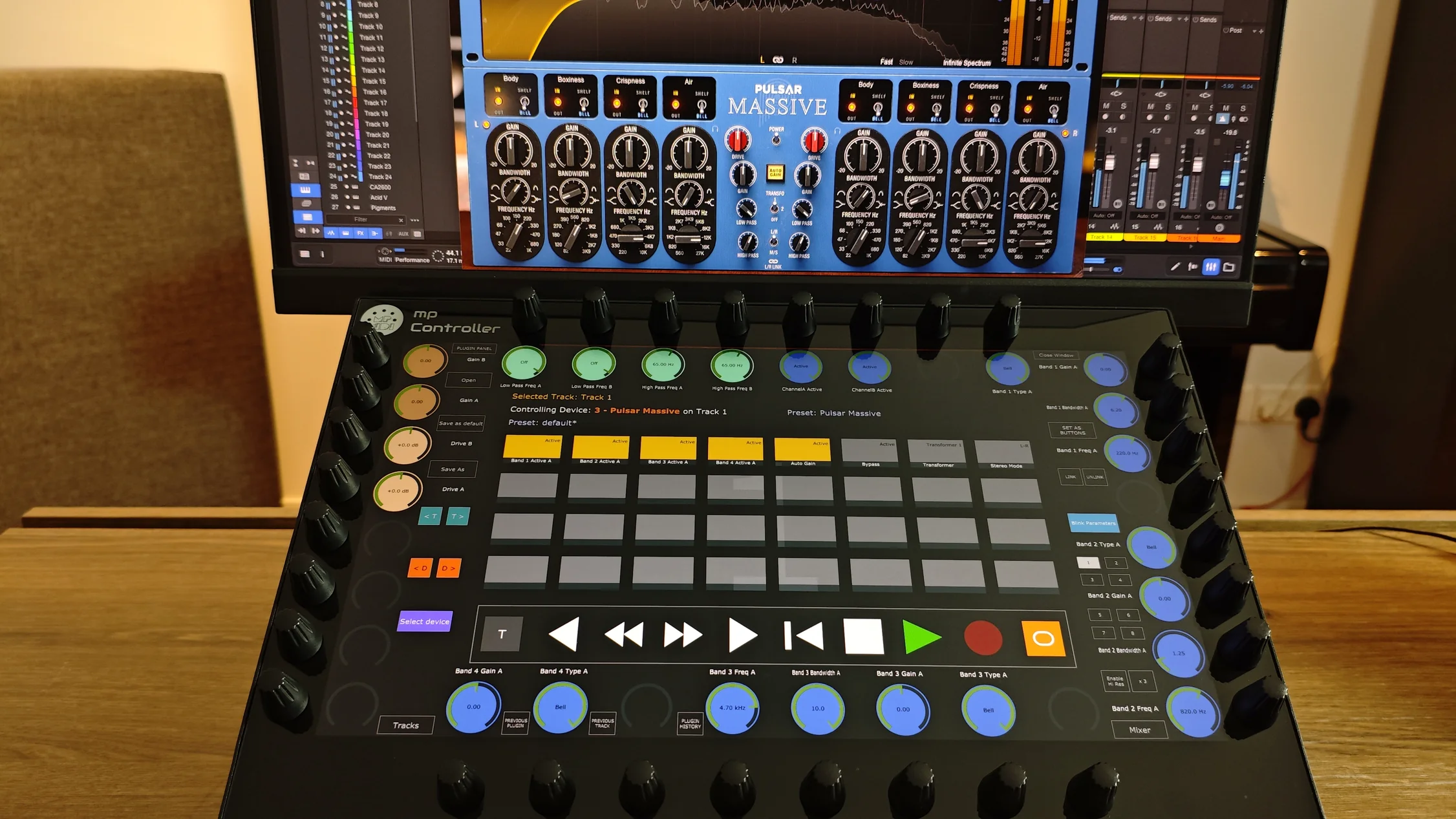
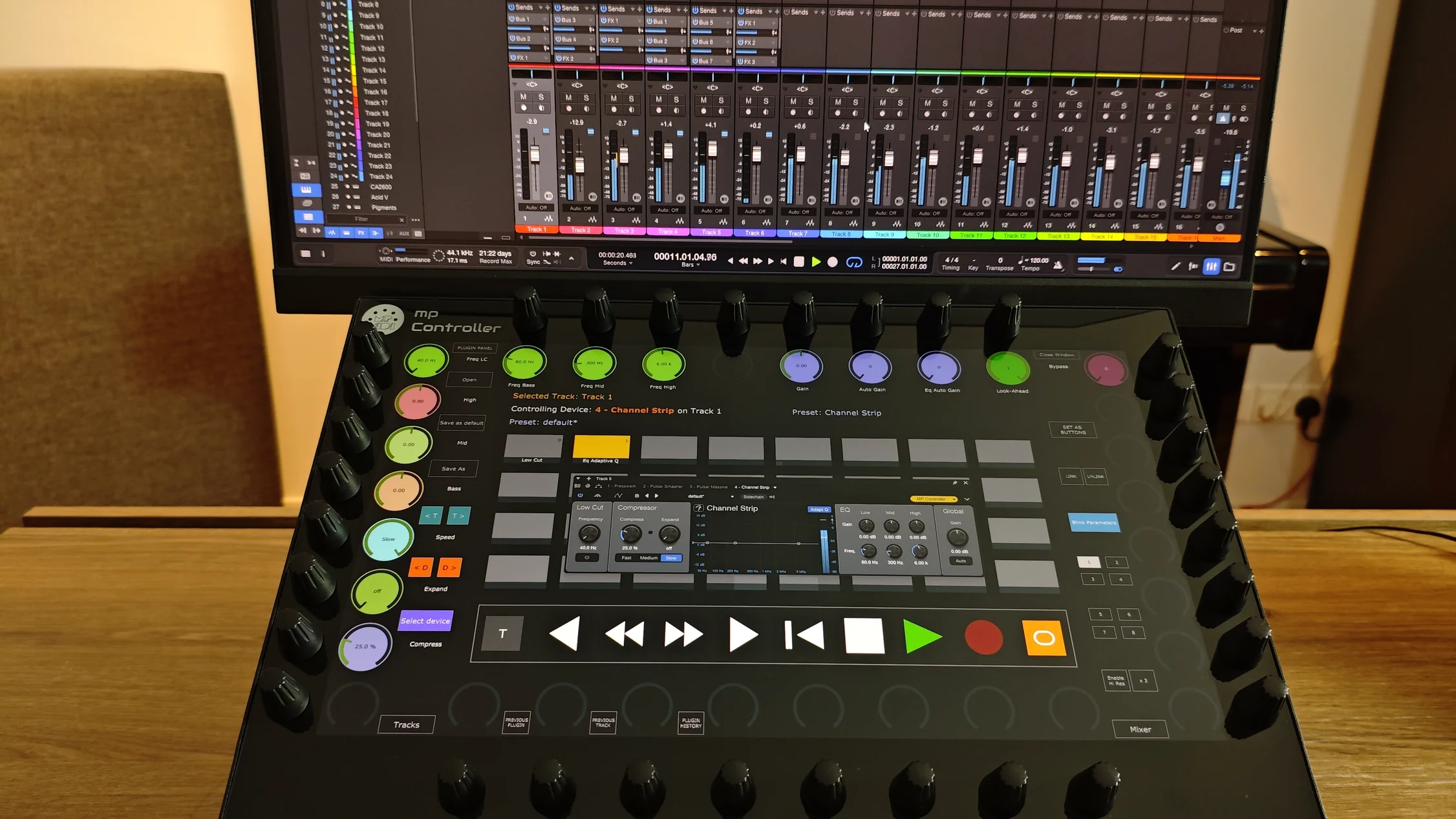
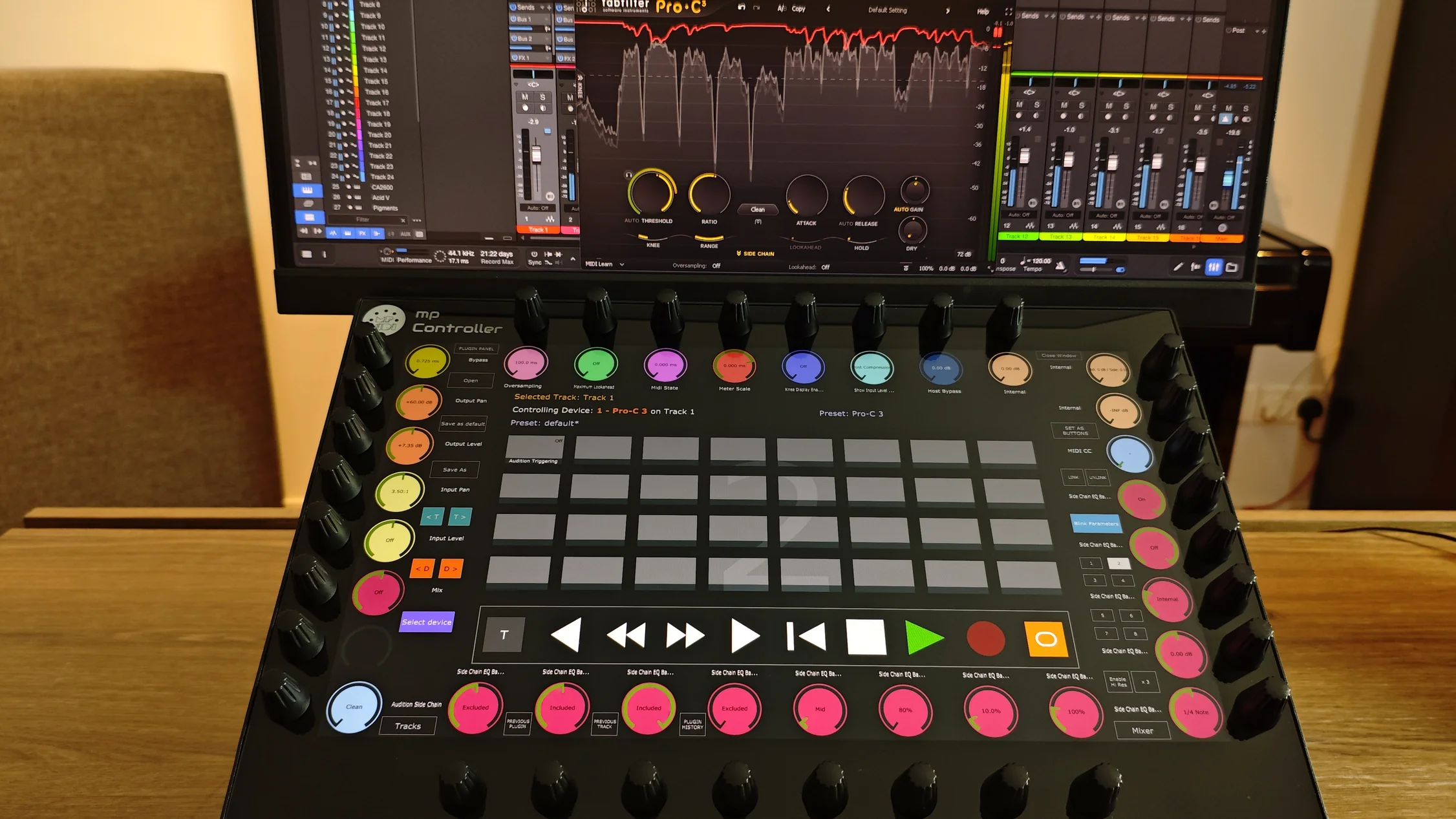
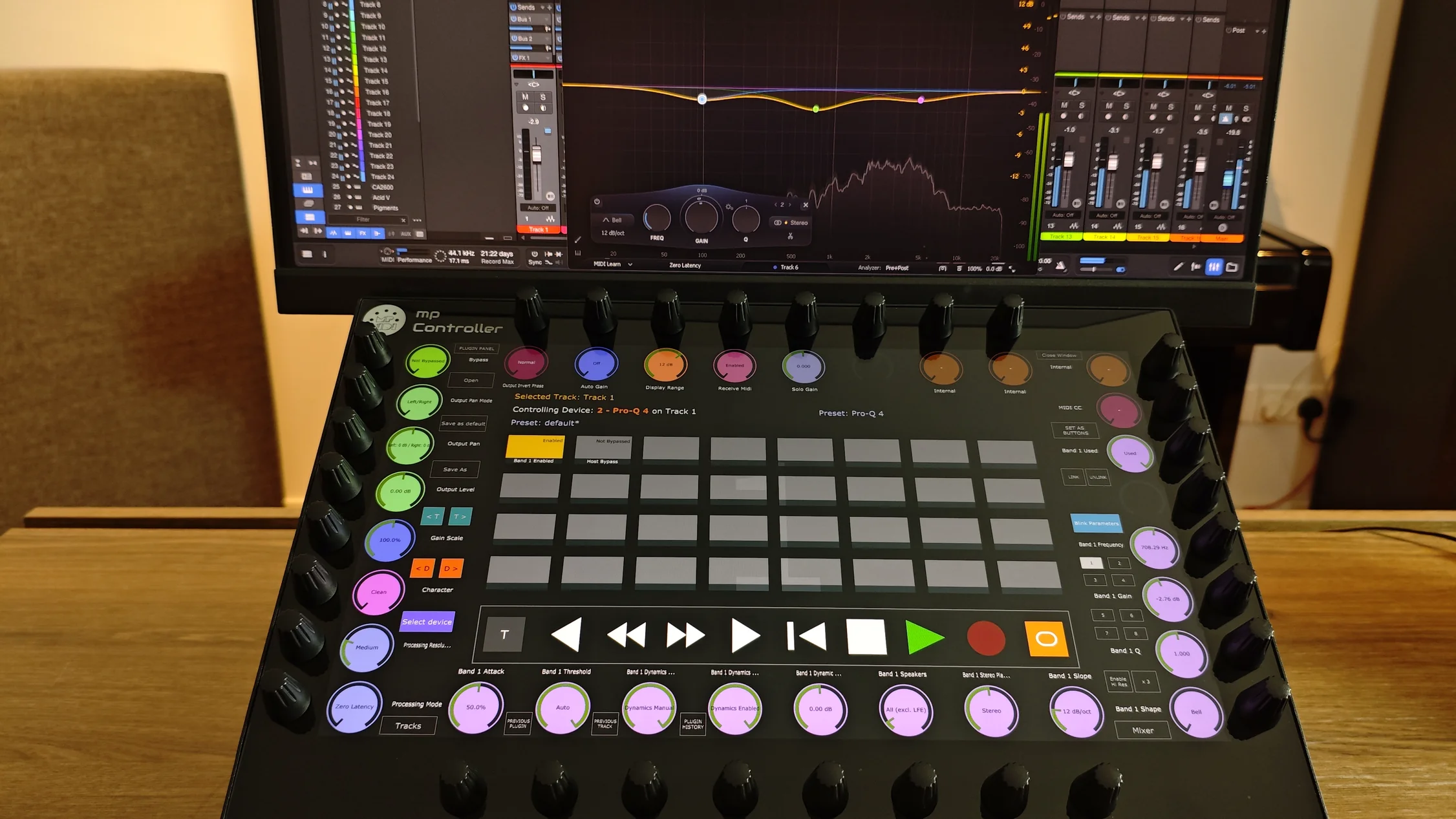
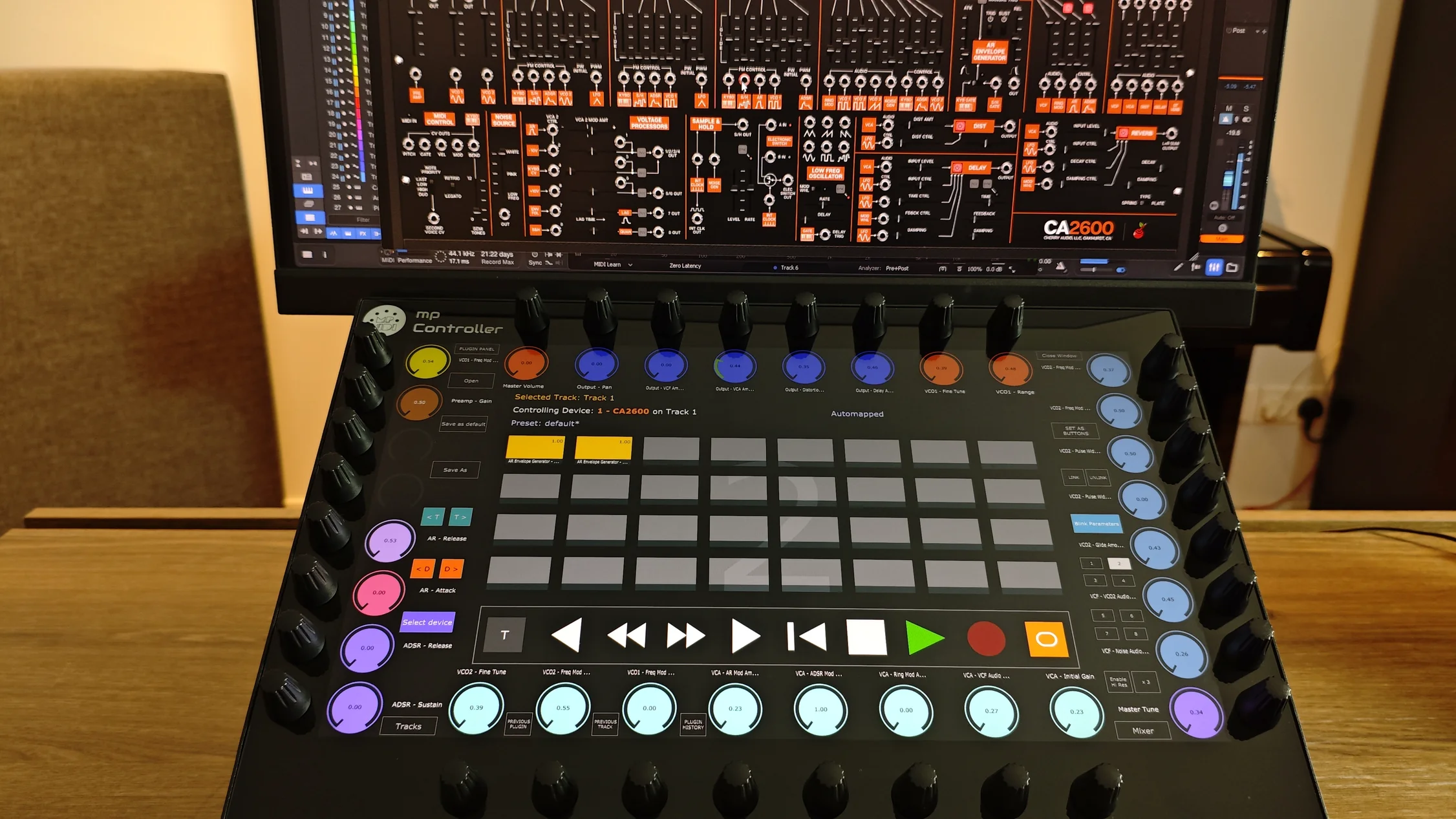
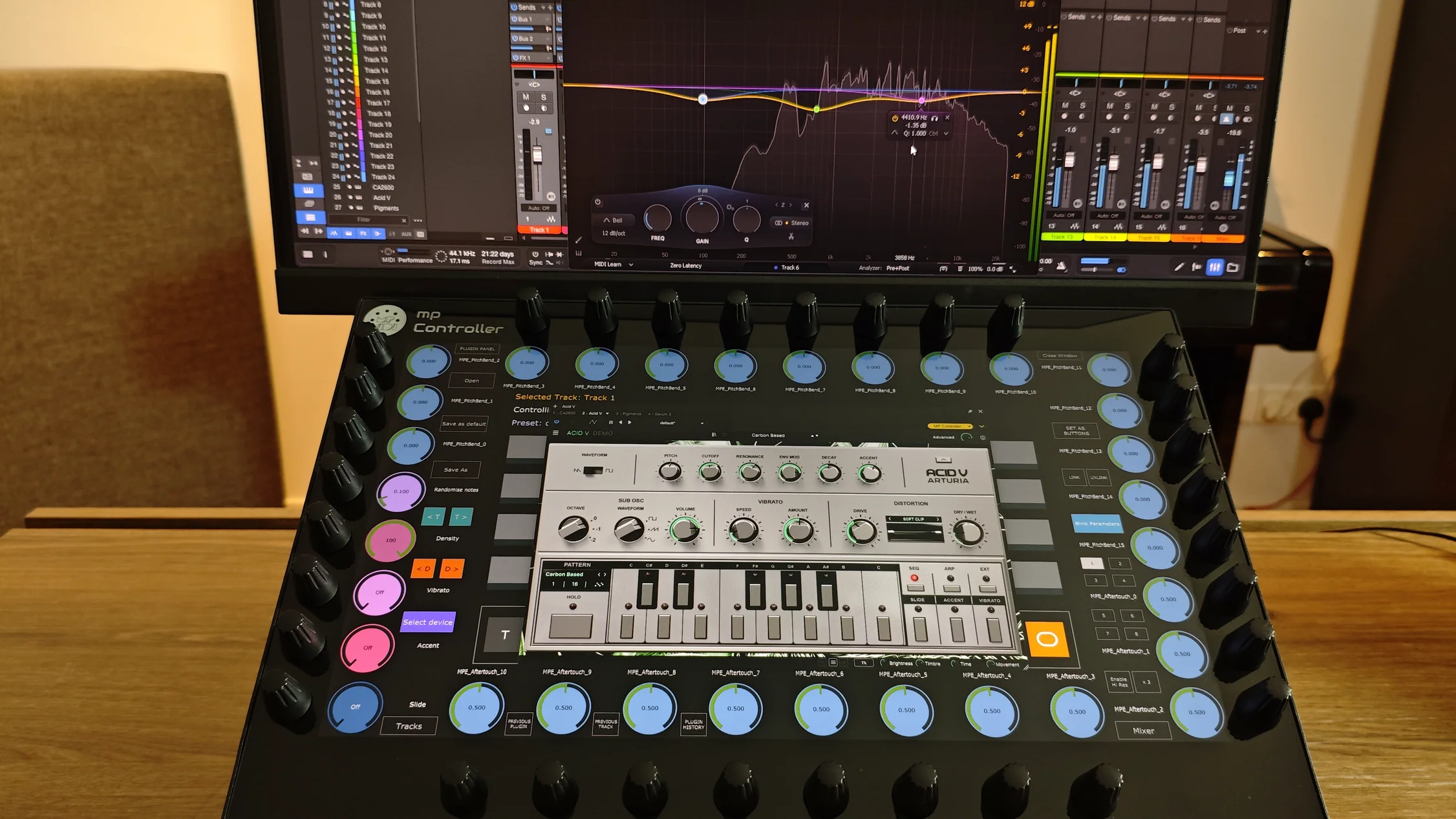
Take full control of your mix directly from the controller, with volume, pan, mute, solo, record arm and send levels on every channel.
Access the full transport section directly from the touchscreen and stay focused on your project without constantly reaching for the mouse.
The Select Device view displays all devices and plugins available on the selected track, for fast control of any device in your project.
Navigate tracks and devices using Previous and Next controls.
The control surface works perfectly alongside the MPH Plugin Control System. Instantly switch between the control surface and MPH workflows directly from the controller, combining deep DAW integration with advanced plugin control.
Get up and running in minutes. No complicated configuration, manual mappings or scripting required. Simply install the control surface and start working with Fender Studio and Studio One immediately.
See how the MP Controller maps VST2, VST3 and AU plugins across every supported DAW.
Explore Features