the MP Plugin Controller system works across all major DAWs. Control surfaces add deeper, hands-on control to your DAW. Use both together to supercharge your workflow.
Control parameters using CC and NRPN messages via on screen buttons and physical endless encoders. Play notes on the touch screen. Send keyboard keys to any app on Mac and Windows. Comes as a standalone app, VST3, AU, AAX plugins.
Learn more ›transport, channel strip, mixer, native Logic Pro instruments and audio effects, instrument plugins and audio effect plugins, keyboard commands via touch buttons.
Logic Pro controller ›Control native Ableton Live devices for Ableton Live 11 and above, now with intelligent automatic parameter mapping. Control Max for Live devices. Control third party plugins. Control the mixer of Ableton Live.
Ableton Live control ›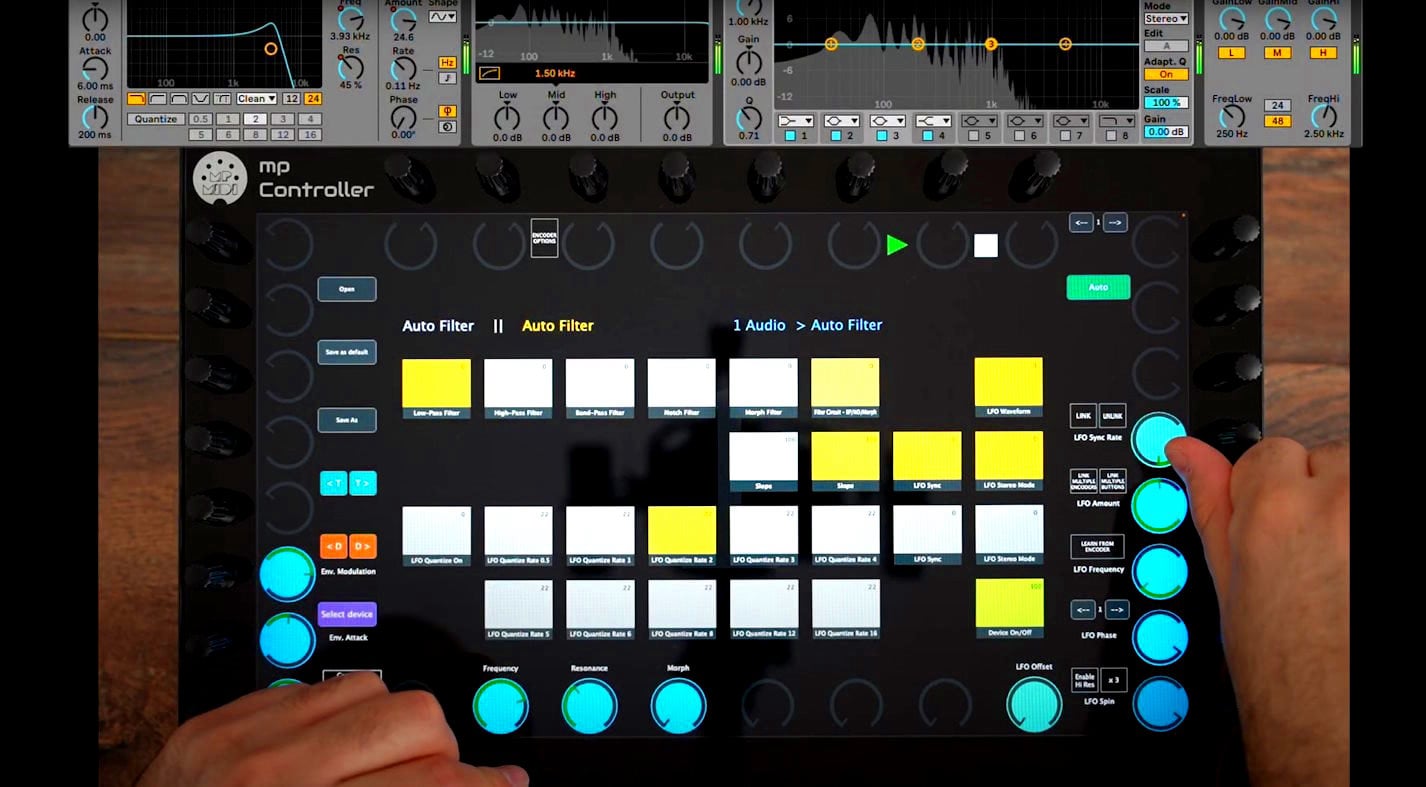
control: transport, channel strip, EQ, quick controls, mix console, native effect & instrument devices, and 3rd party plugins.
Cubase / Nuendo control ›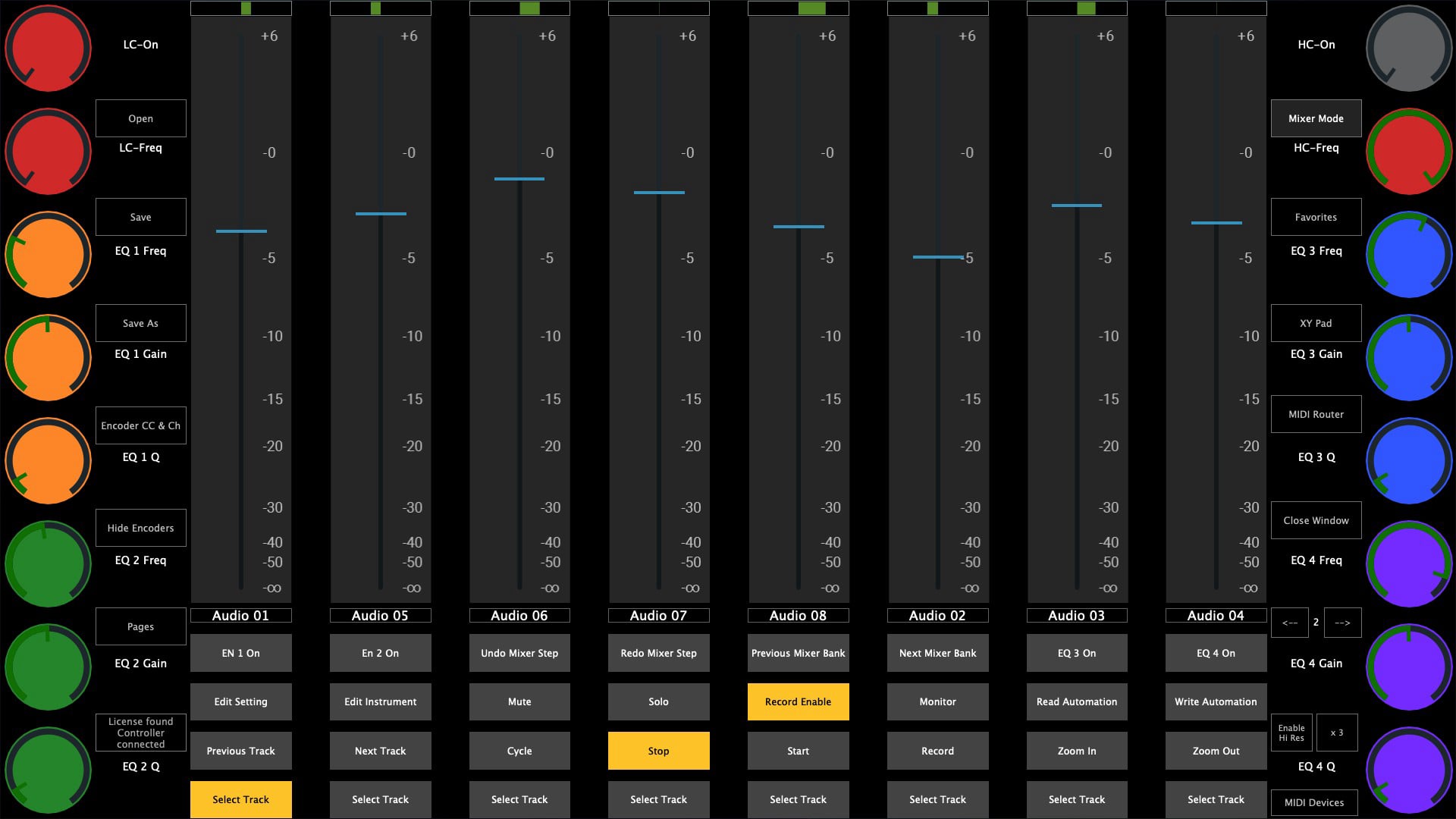
select a native Bitwig Studio device and the controller syncs automatically to it. Audio Effects | MIDI Effects | Instruments. Send keyboard keys to Bitwig and other apps via the programmable touch screen buttons.
Bitwig Studio control › Watch the walkthrough ›the new MP Gain Staging and Mixing Utility.
The MP Gain Utility plugin enables you to control the +/- gain on your tracks from the MP Controller. With the MPGU plugin you can control up to 128 gain utility plugins. You can use it for mixing and gain staging. It works on all DAWs and does not require any configuration.
Watch the walkthrough ›a 14-band placement filter bank for deciding where each part sits in your mix: in frequency, depth, stereo width and character. Every band has gain, pan, mute, solo and drive, laid out across the encoders from low to high. Zero latency, 231 factory presets, and free for all MP Controller owners.
Read the article ›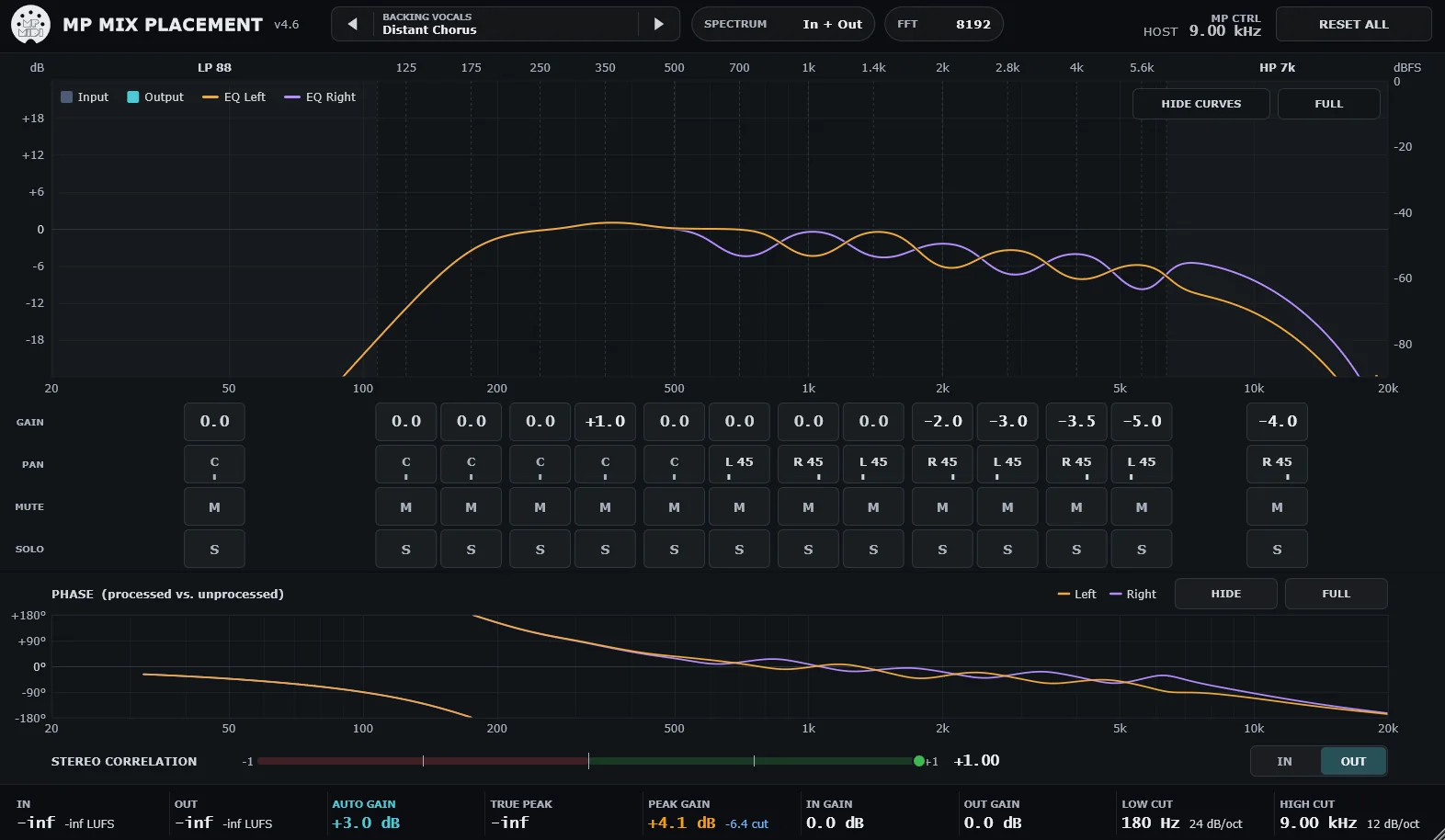
a mixing and mastering equalizer that recreates the curves and phase shift of a classic analog EQ. Works in L/R and M/S modes, with automatic gain compensation and a choice of zero-latency minimum phase or exact measured phase. Automaps onto the MP Controller so you can work it like a hardware unit.
Read the article ›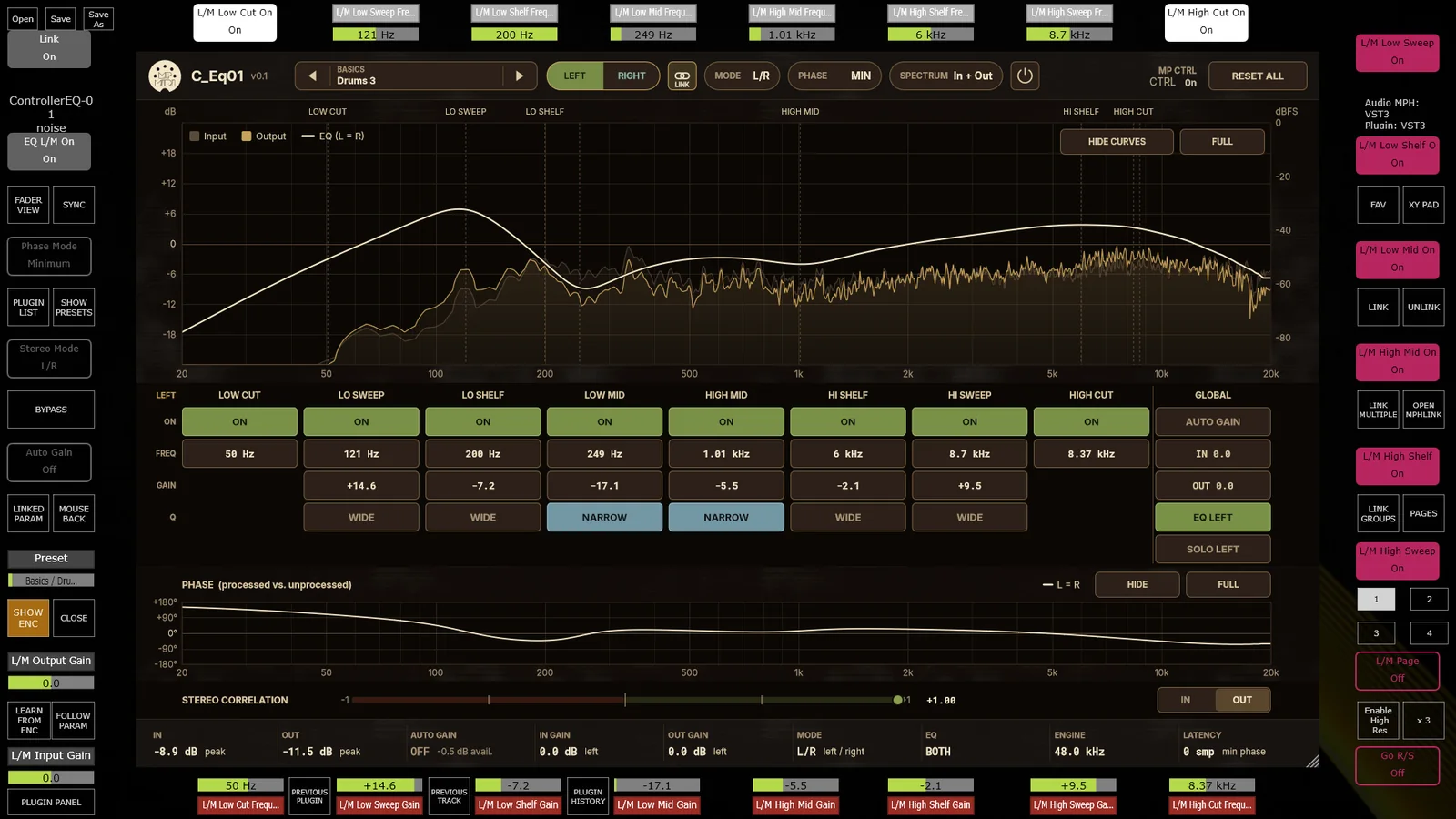
control: channel strip, EQ, mixer, native Reason devices, virtual instruments and 3rd party plugins.
Reason controller ›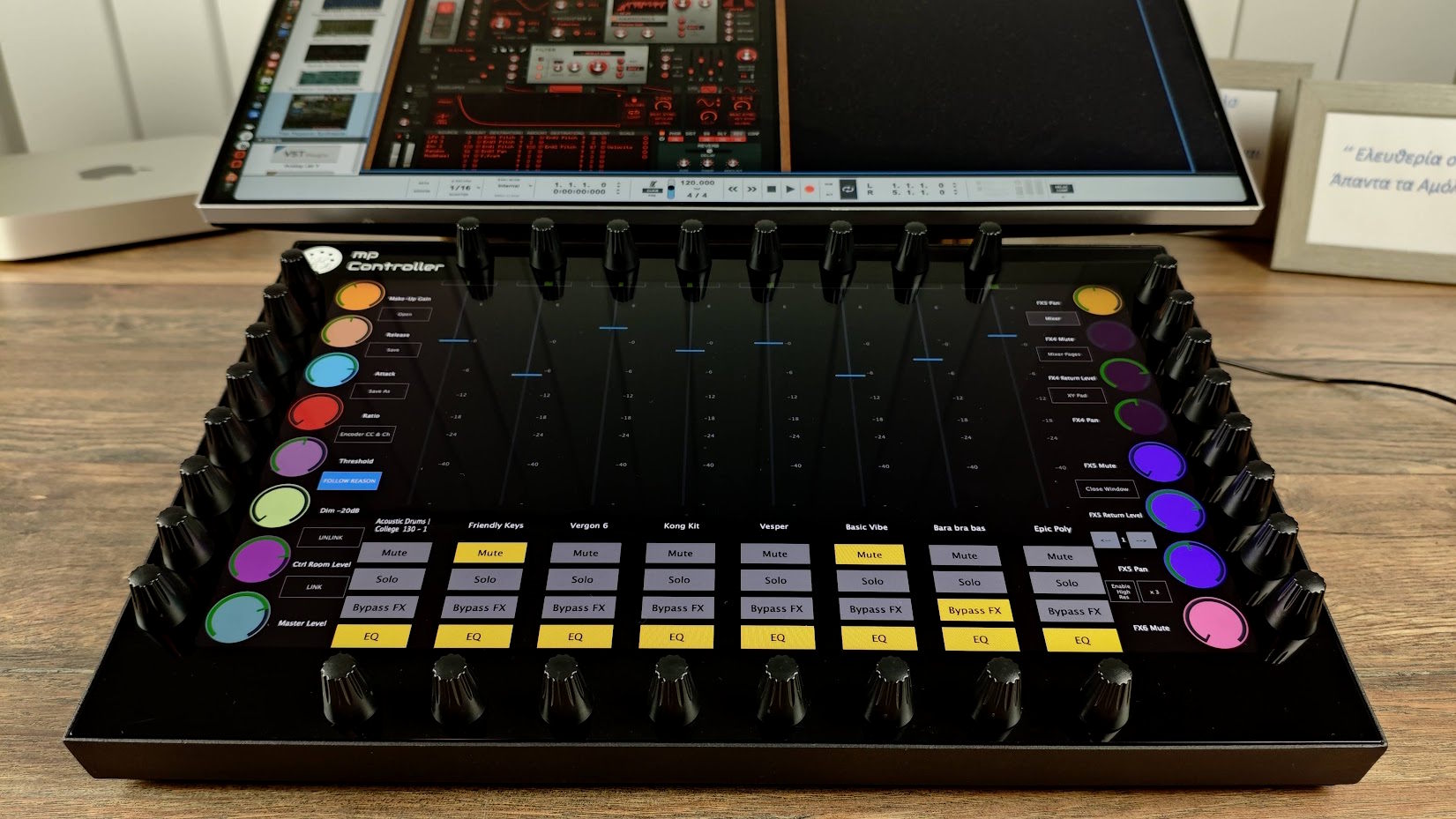
a comprehensive control surface to control the mixer, native devices, third party plugins, transport and DAW project navigation.
Reaper controller ›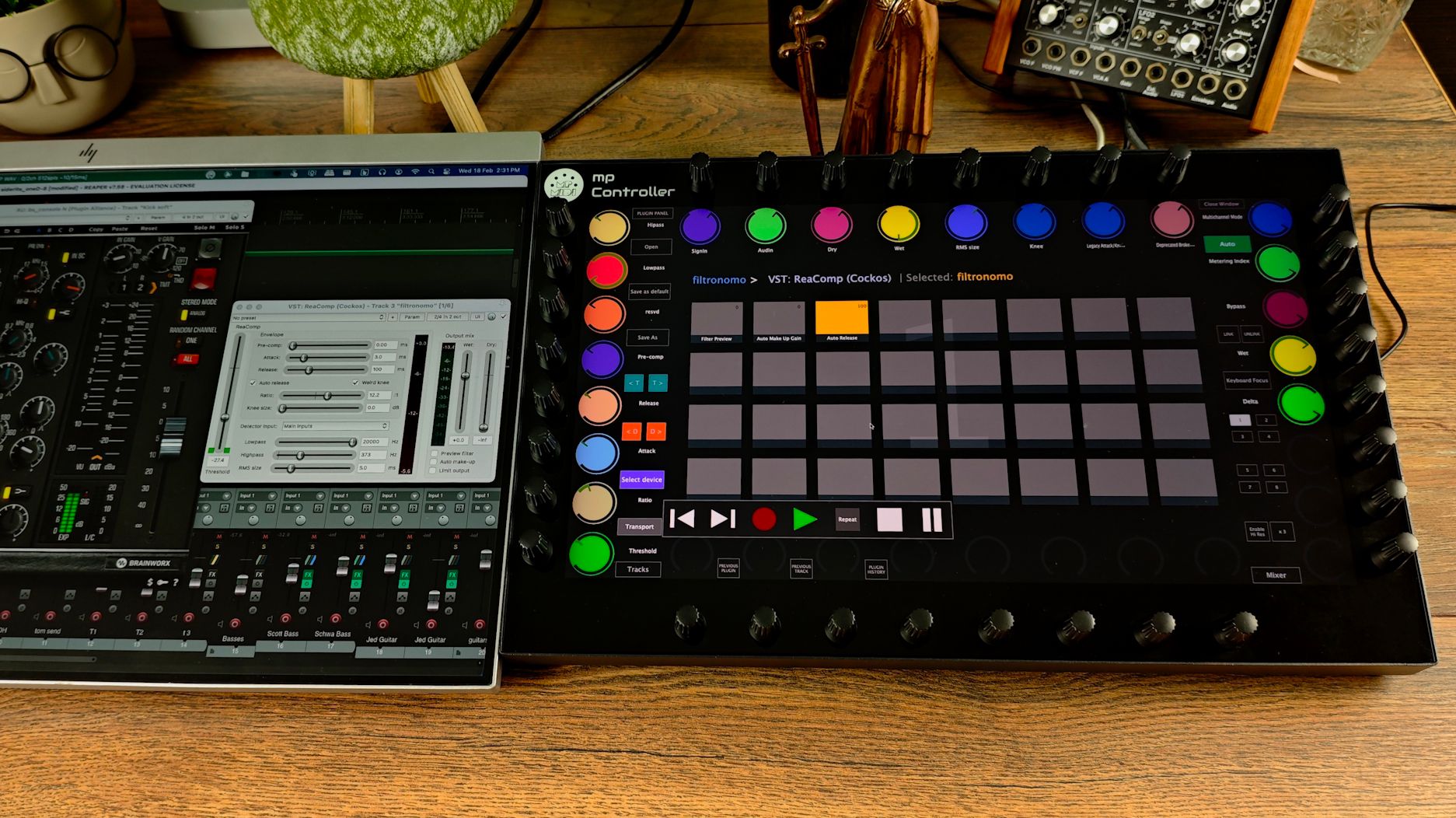
a control surface that follows your selected devices, plugins, instruments and mixer channels in Fender Studio and PreSonus Studio One. Control native devices, third party AU / VST2 / VST3 plugins, the mixer and transport, with no configuration required.
See it in action ›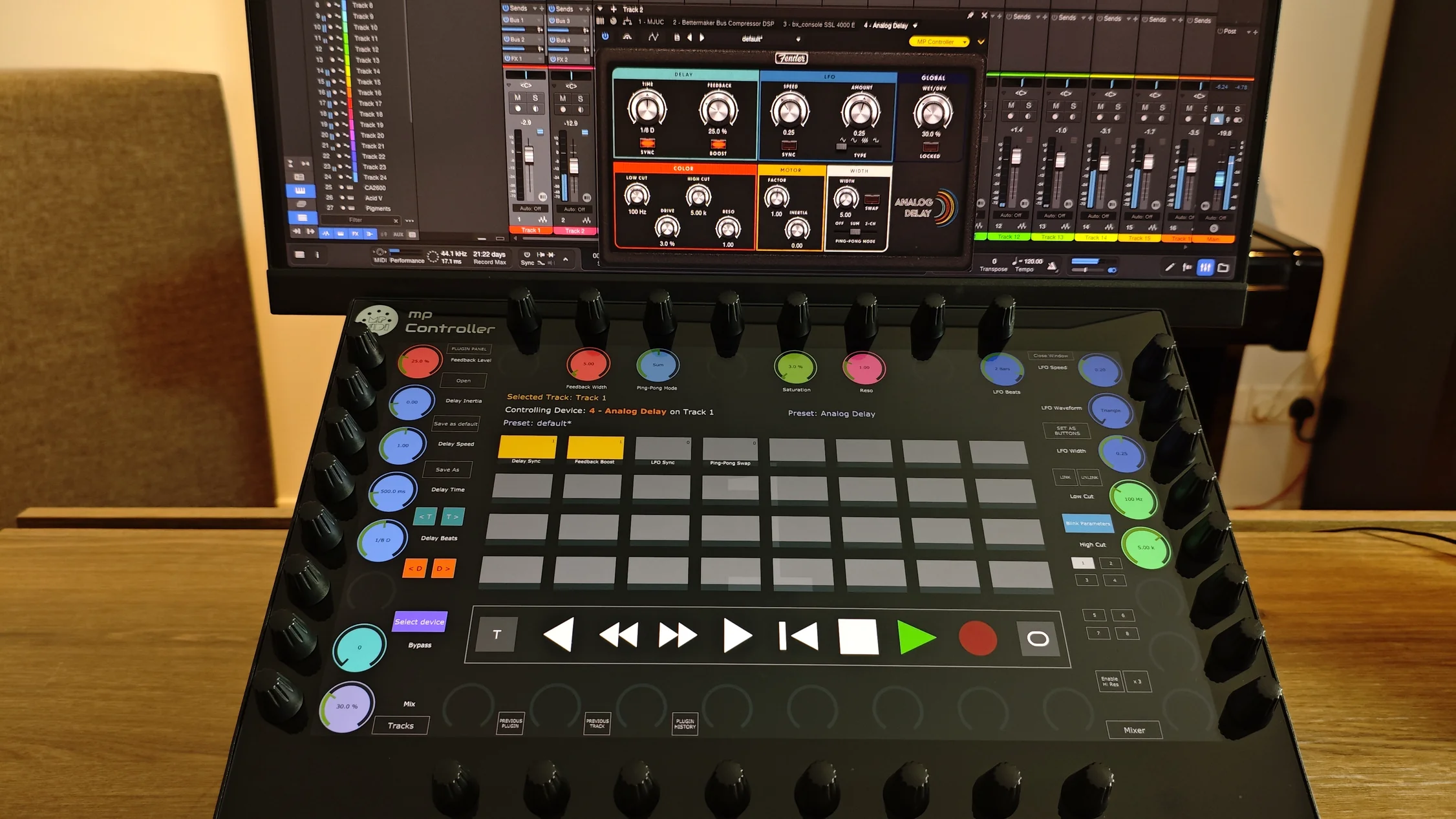
run your plugins outside the DAW and control them directly from the MP Controller. Run the AudioGridder server on your DAW computer, or distribute the workload across one or more computers on your network, with full cross-platform compatibility between Mac and Windows.
AudioGridder integration ›use in combination with midigrade to control Primary Adjustments, Color Wheels, Primaries Bars, HDR Grade, Curves, Qualifier, Window, User Menu, Nodes, Stills, Keyframes, Playback and more, and Dolby Vision.