
Reaper / Controller

Cockos Reaper Control Surface.

experience Reaper with true analog-style control.

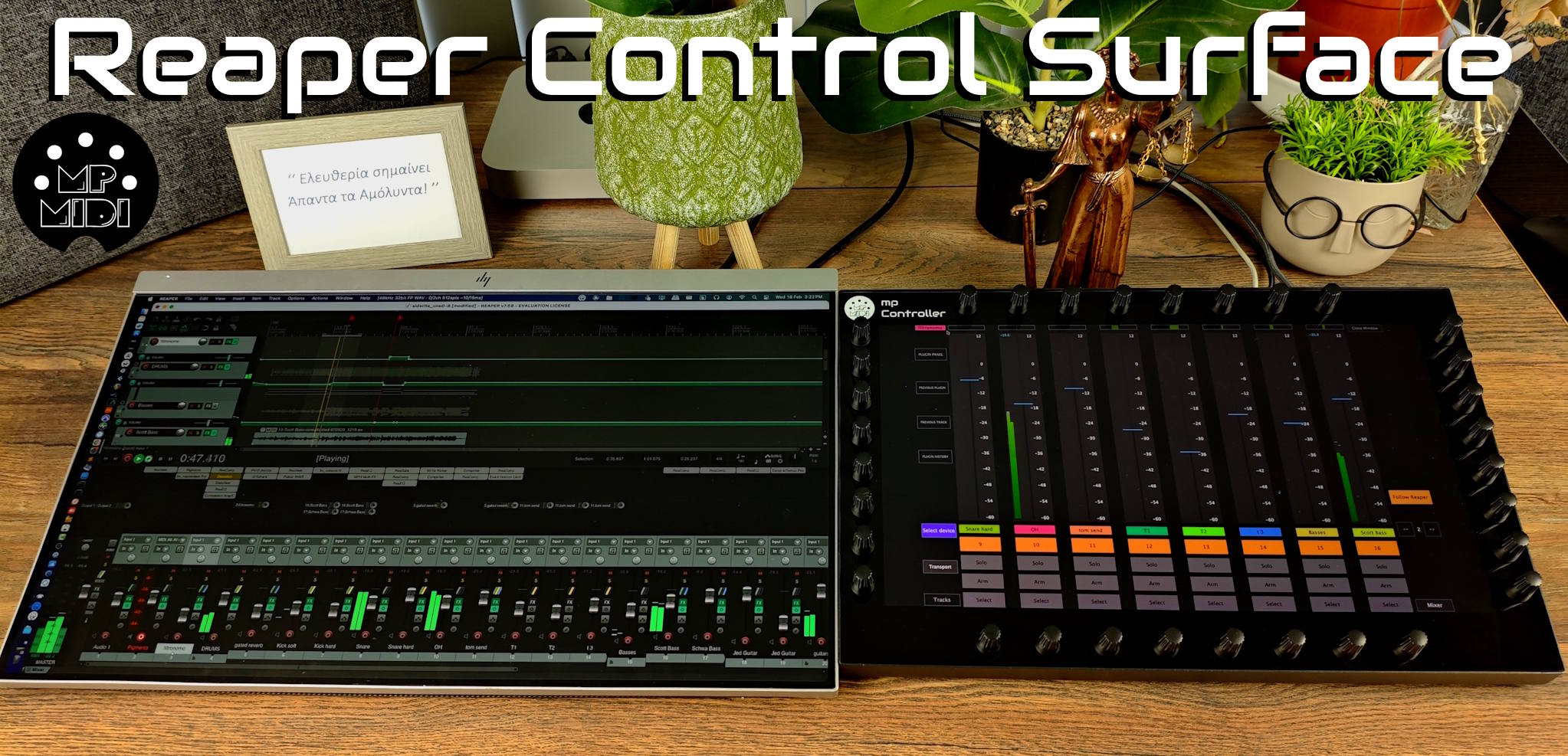
A control surface that follows device and mixer selection in Reaper, giving you hands-on control on each device and mixer channel selected. It works with Reaper’s native devices and third-party plugins, including audio effects and instruments. A comprehensive control surface to change the way you work in Reaper.

Native devices & plugins

Control Reaper native devices and AU / VST2 / VST3 plugins.

  • Just select a device or plugin in Reaper and the controller syncs up with the selected device
  • Easily identify mapped parameters. Moving a parameter in Reaper blinks the mapped parameter on the control surface
  • Option to follow the selected device in Reaper or stay on the current device
  • Create custom mapping presets for Reaper devices and plugins
Mixer

Mixer control.

  • 8 tracks per page
  • Follows track selection in Reaper, with the option to stop following Reaper
  • Navigate tracks from the control surface
  • Follows track parameter tweaks in Reaper
  • Control via touch and physical encoders
  • Transport control
Device selection

Selecting and controlling devices.

  • A dedicated “Select Device” view that shows all the devices of a track
  • Navigate tracks via previous / next buttons or by selecting a track from the track list
  • Open / close devices or plugins directly from the controller
  • Instant transport control
  • Works great with the MPH plugin control system. Switch from / to the MPH from the controller
Plug and play

No configuration needed.

Install and start working with the control surface.
Walkthrough

See the Reaper control surface in action.

MP Controller running the Reaper control surface on the studio desk

control software like hardware.

Now shipping worldwide.

Shop Now