A fixed layout builds muscle memory, then hits a wall
A fixed controller layout gives you muscle memory. That part is true and worth keeping. The problem shows up the moment you start working with lots of different plugins that all have different workflows and parameter counts. A layout that fits a simple synth does not fit a 24-band equalizer, and a layout built for that equalizer wastes most of its knobs on a compressor. A single fixed set of controls cannot be the right shape for every plugin you own.
So you end up with the usual compromise: muscle memory on a handful of plugins and guesswork on everything else. That is the compromise I wanted gone.
Both, not either
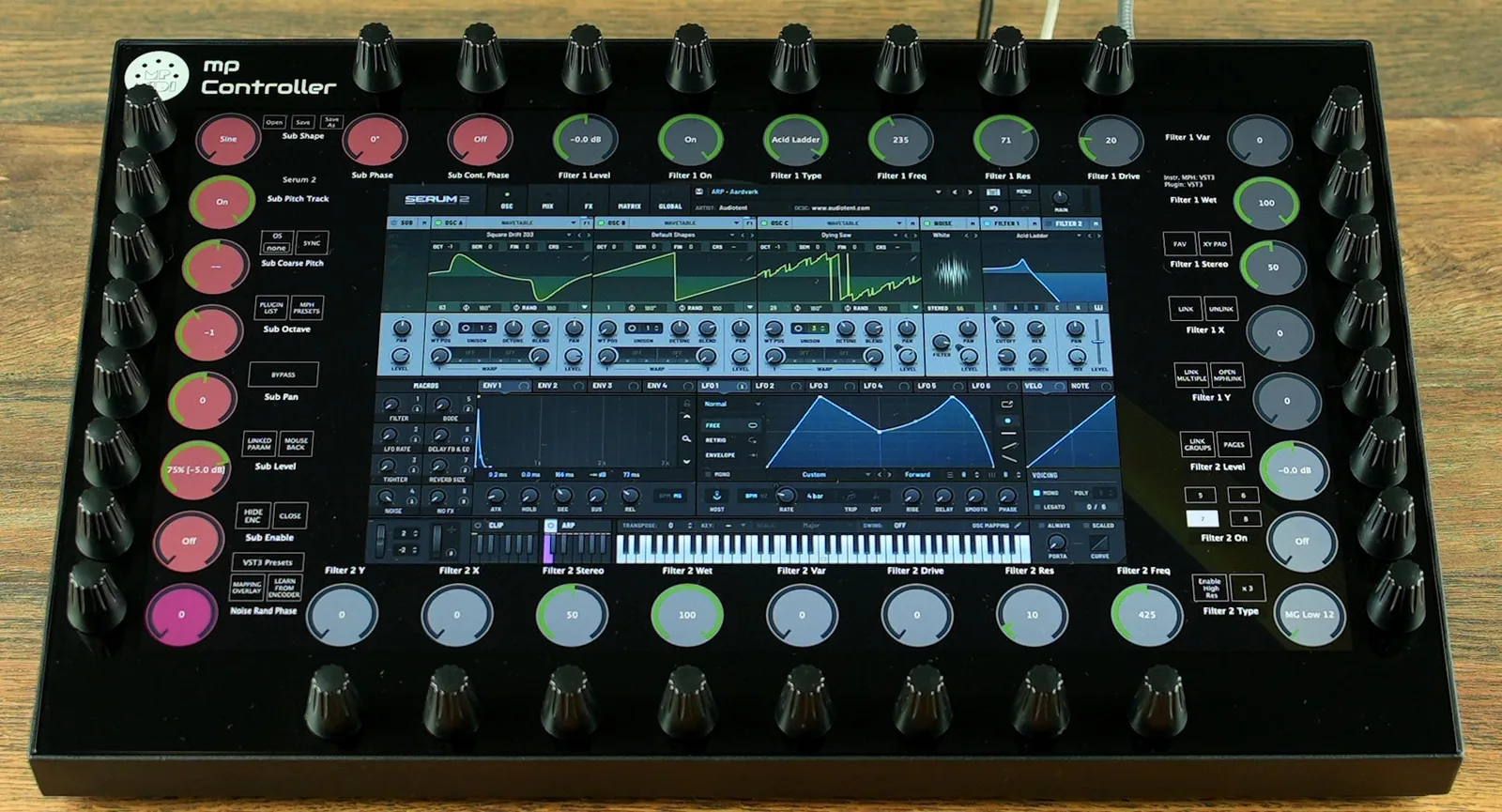
What I like about the MP Controller is that it gives me both. If I want ADSR controls, filter controls, oscillators or mixer functions to always sit in the same locations across different plugins, I can do that and build muscle memory around it. The positions become second nature. But I am not restricted to a fixed layout when a plugin needs something different.
That is the part I think people miss. The display is not there because muscle memory does not work. The display is there because modern plugins are too complex for a fixed set of knobs. The trick is having enough flexibility to handle complex plugins while still allowing consistent layouts when you want to build muscle memory.
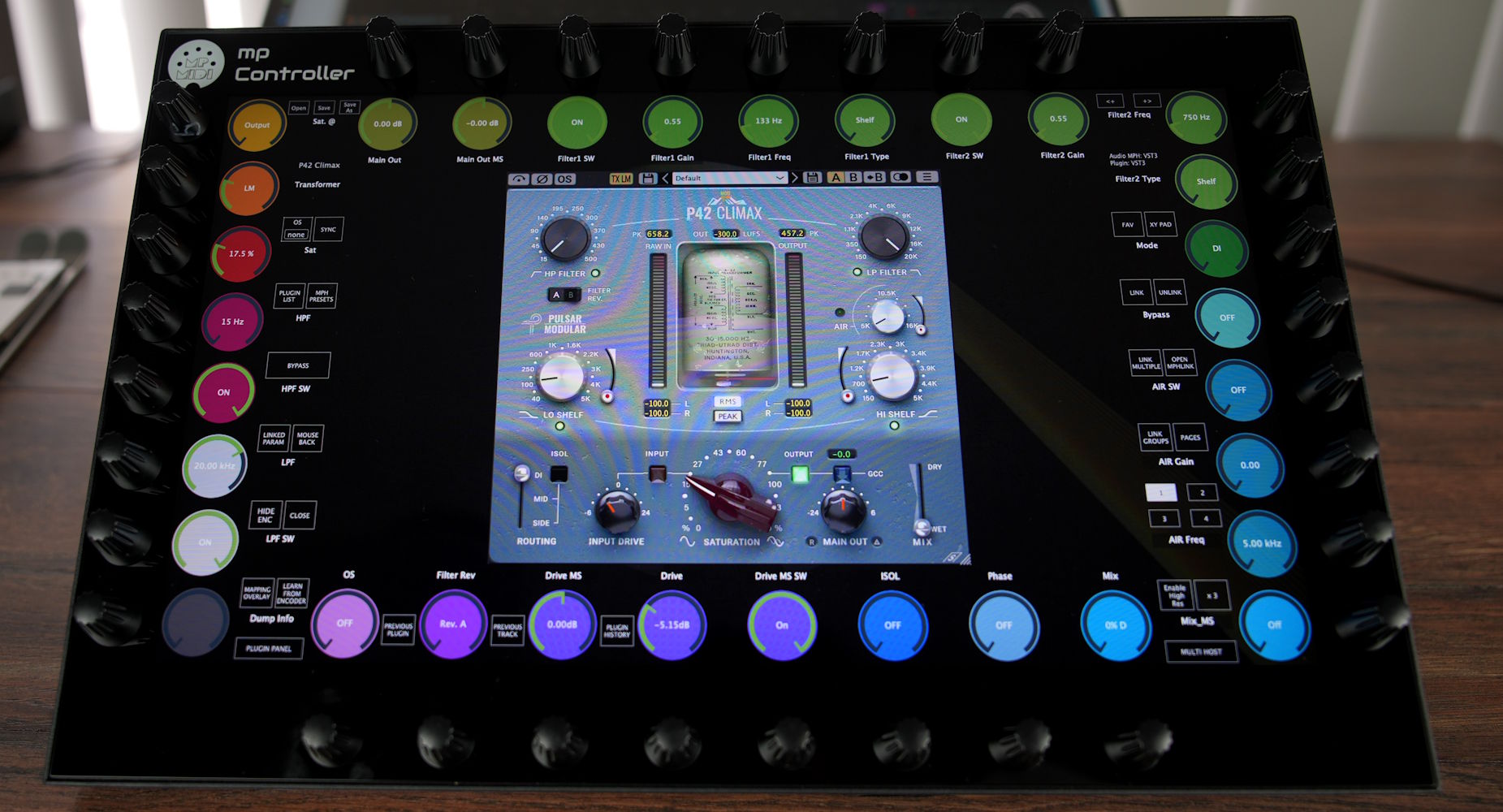
A worked example: FabFilter Pro-Q 4
Try controlling Pro-Q 4 with a traditional controller. Each band has 32 parameters. Before using the MP Controller I did not even know some of those parameters existed, because I had never interacted with them. The automatic mapping laid everything out logically, one band per page, and suddenly I could see and access every control. I just started experimenting and discovering features I had never used before.
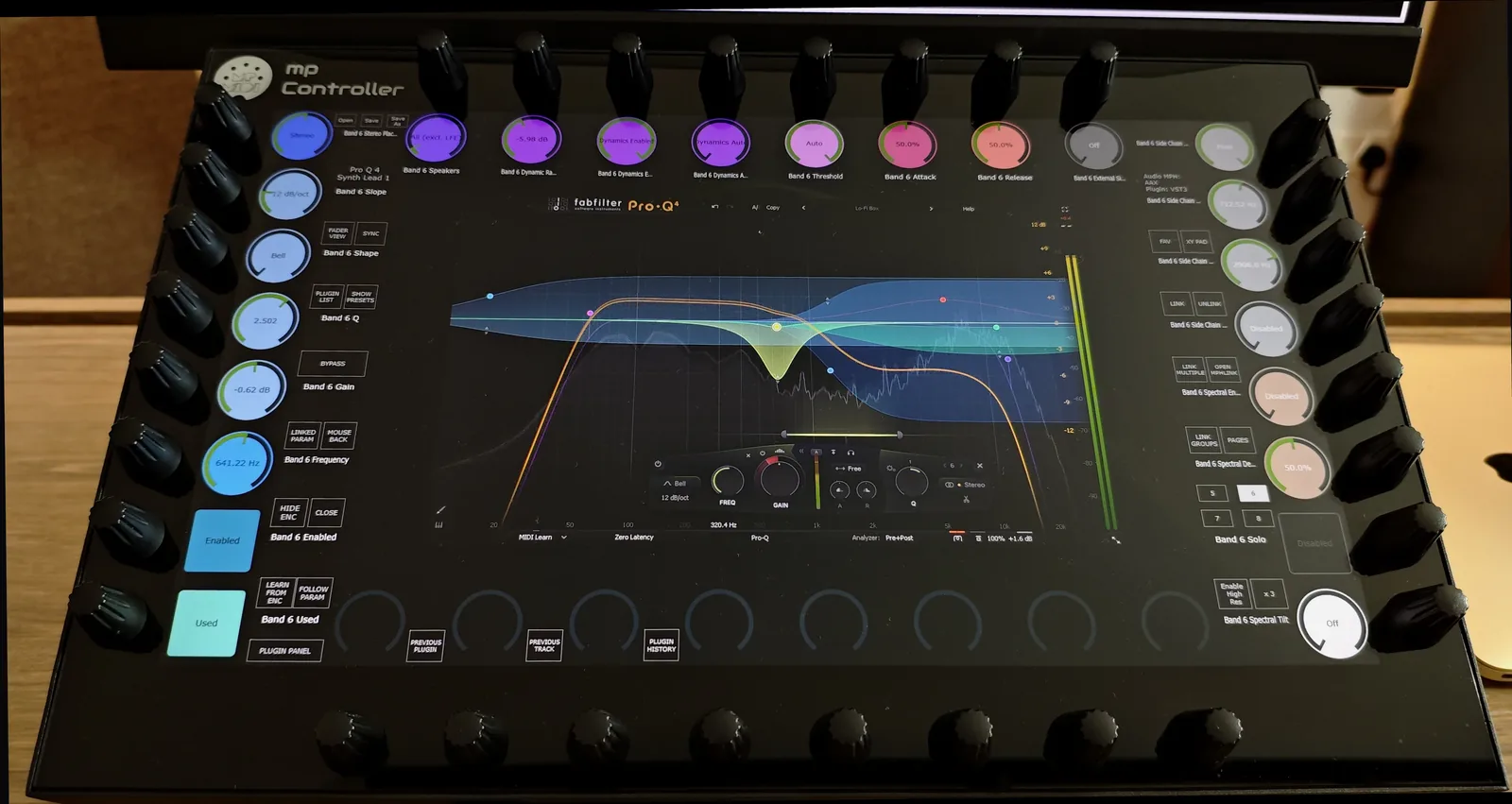
At the same time, I do not always want that level of detail. So I created another mapping preset that exposes only four key controls per band, on/off, frequency, gain and Q, which lets me see and control eight bands on a single page. Depending on what I am doing, I switch between the detailed mapping and the simpler one. Same plugin, two layouts, both reachable instantly. A fixed controller cannot offer that choice at all.
For the full feature-by-feature breakdown of that workflow, see the Pro-Q 4 case study.
The real workflow killer
Having used a lot of controllers over the years, seeing the parameter name and value of what you are controlling is essential. The biggest workflow killer is not the lack of muscle memory. It is not knowing what a control is currently assigned to, or having controls out of sync when you move between plugin instances. Solve those two and the muscle-memory debate mostly takes care of itself.
Personally, I rarely remap anything. Auto-mapping does a surprisingly good job, and if you use the same plugins regularly the layouts become second nature very quickly.
Parameter identification, for the plugins you do not know
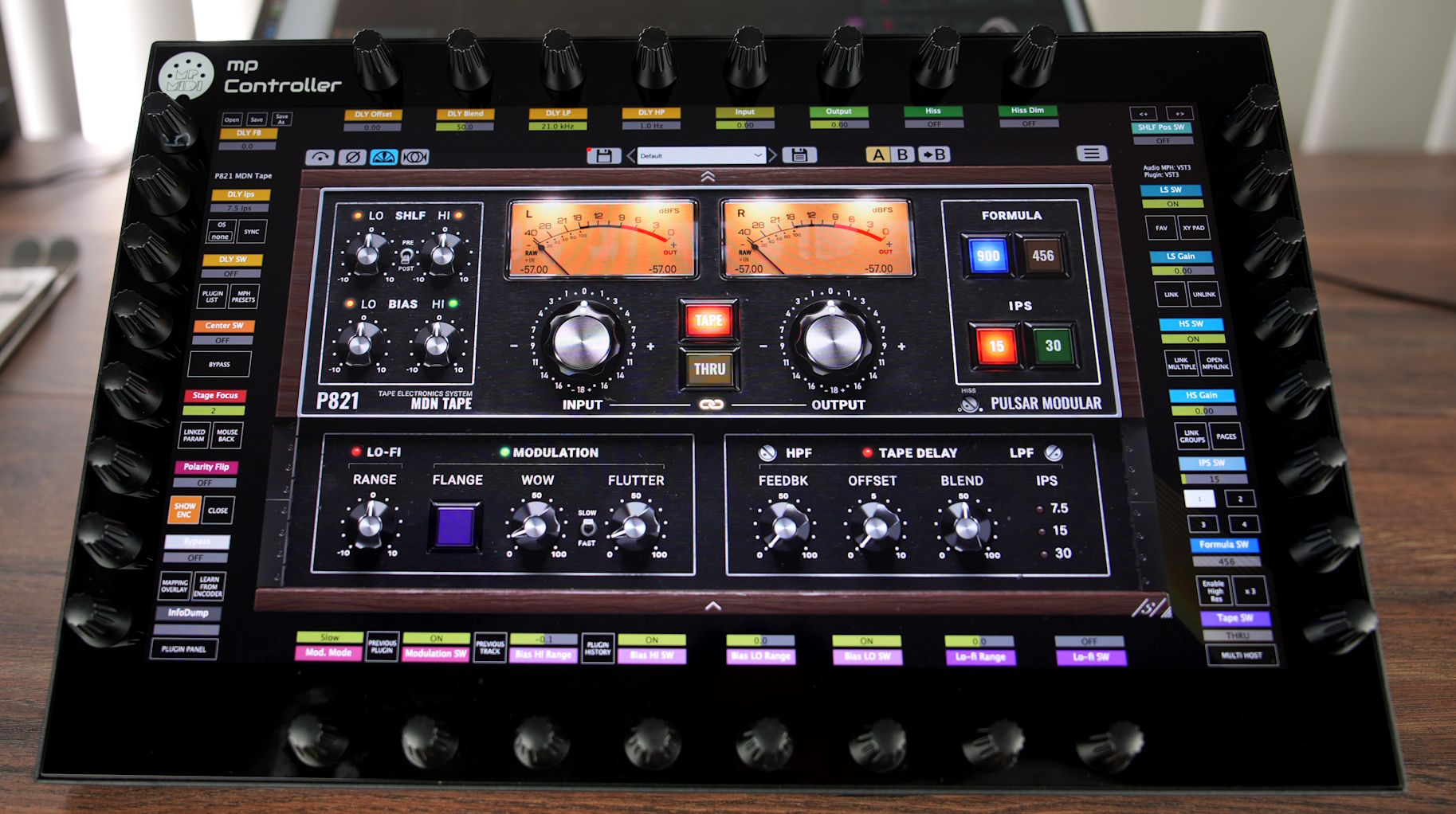
For plugins you are not familiar with, there is a parameter identification system. Click a parameter in the DAW and the controller instantly jumps to the correct page and flashes the assigned encoder. If I am looking for Delay Time and do not know where it is, I click it once and the controller shows me exactly where it is mapped. No hunting, no memorising a layout I have never seen.
Touch is optional
If you do not want to use touch, you do not have to. Everything is mapped to physical encoders anyway. Personally, I mostly use touch for buttons, switches, navigation, selecting devices and moving around the project. The tactile control of the actual sound stays on the encoders, where muscle memory lives.
The plugin lives on the controller's display
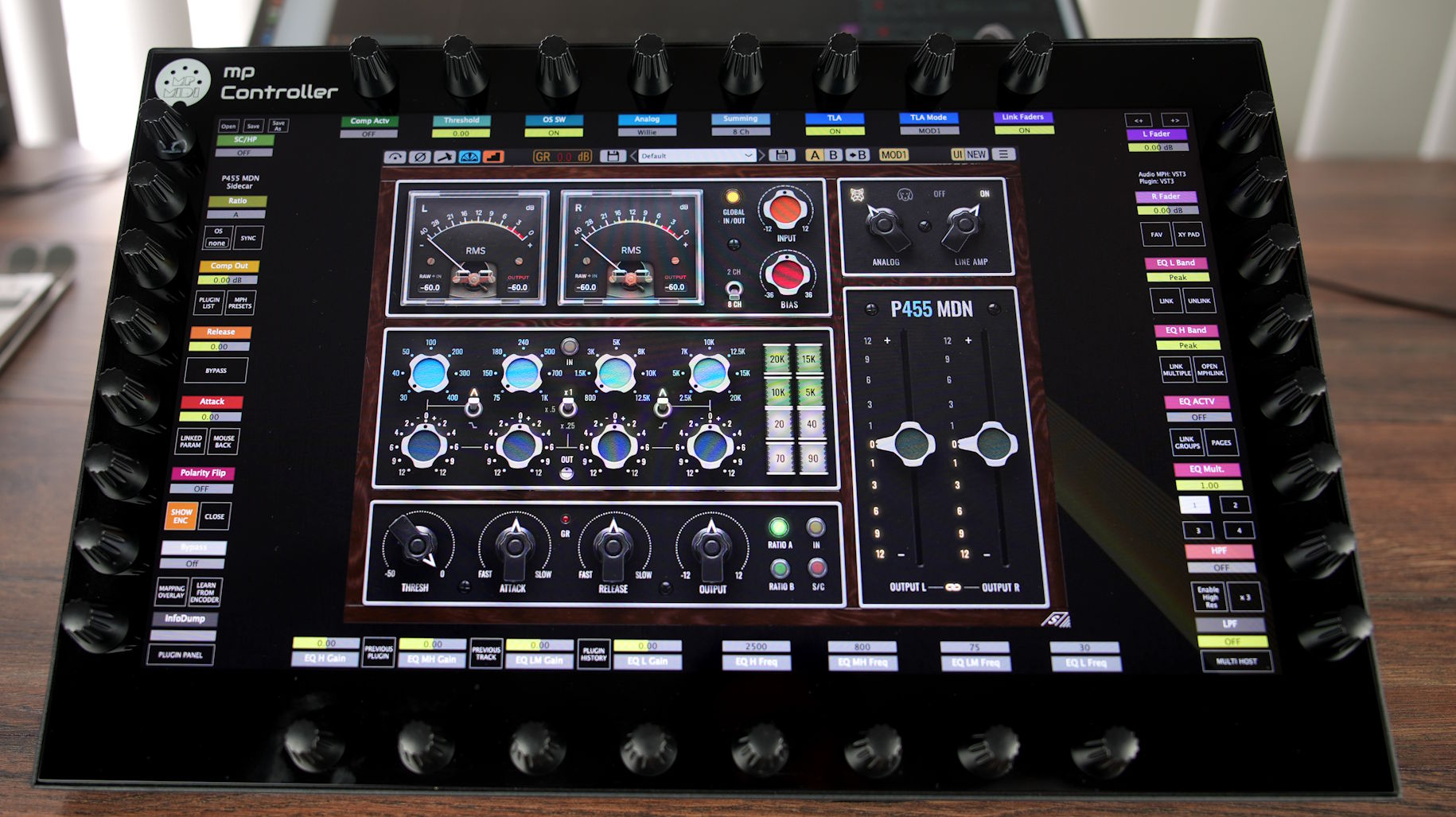
The original reason I bought the controller was plugin control, which is actually a separate system from the newer DAW control surface. The two work together really well. One feature I particularly love is that the plugin I am controlling automatically appears on the controller's display. My main monitor stays dedicated to the arrangement, mixer and editing. The plugin lives on the controller display.
To me that is actually closer to hardware. I already have plenty of hardware devices around the studio that make me look somewhere other than my main monitor. Having the plugin on its own dedicated display feels very similar.
Plugin navigation is what sold me
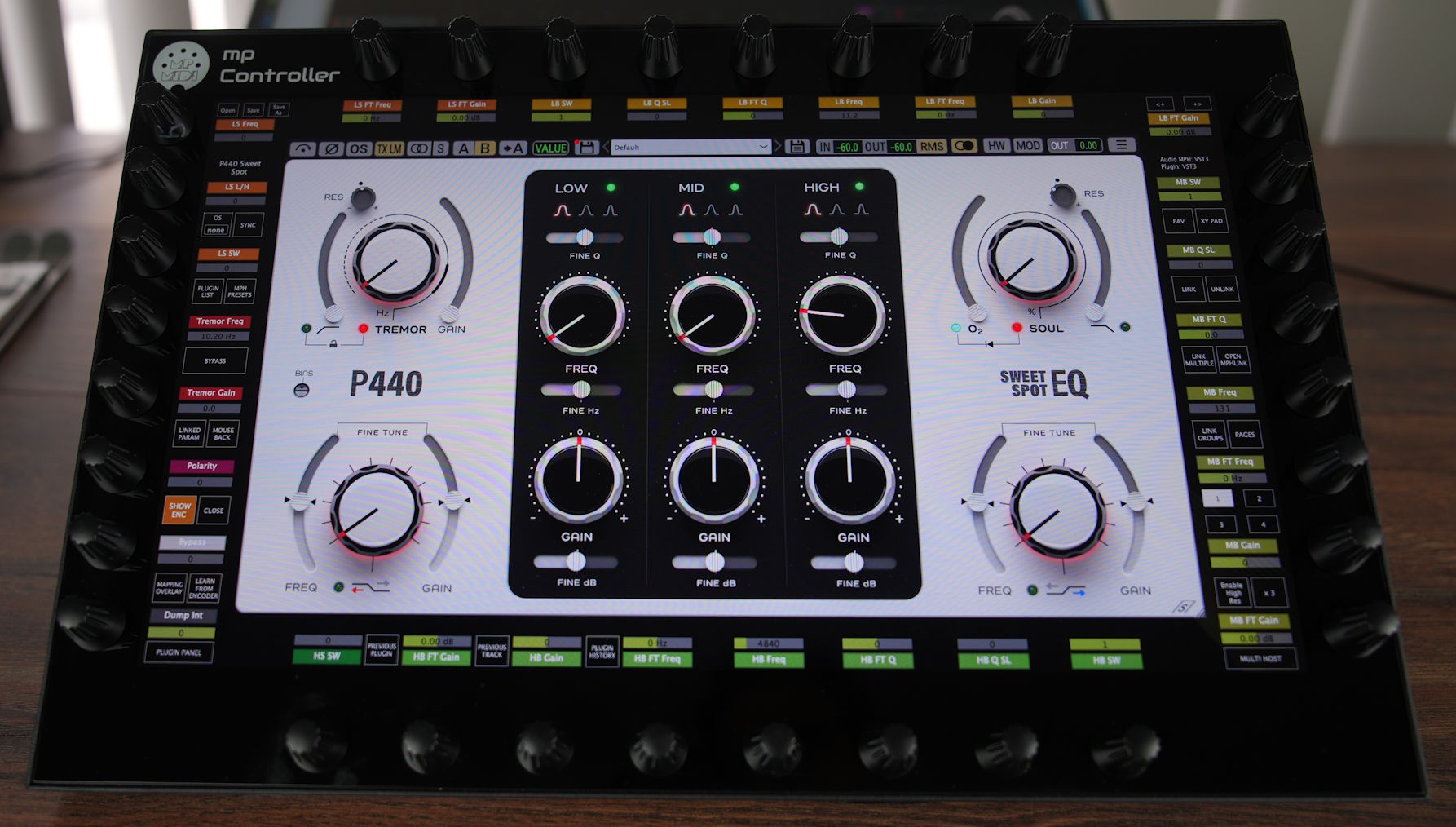
The workflow that really sold me is plugin navigation. If I am tweaking an EQ on track 1 and suddenly want to adjust a delay on track 5, I jump there with a couple of touches, no mouse at all. Everything syncs instantly. The delay plugin appears, the controls are already mapped, and I can start tweaking immediately. Then one button jumps me straight back to the previous plugin I was working on.
I can even do that with the main display turned off. Everything I need is on the controller screen. That sounds like a small thing, but once you get used to it, it is hard to go back.
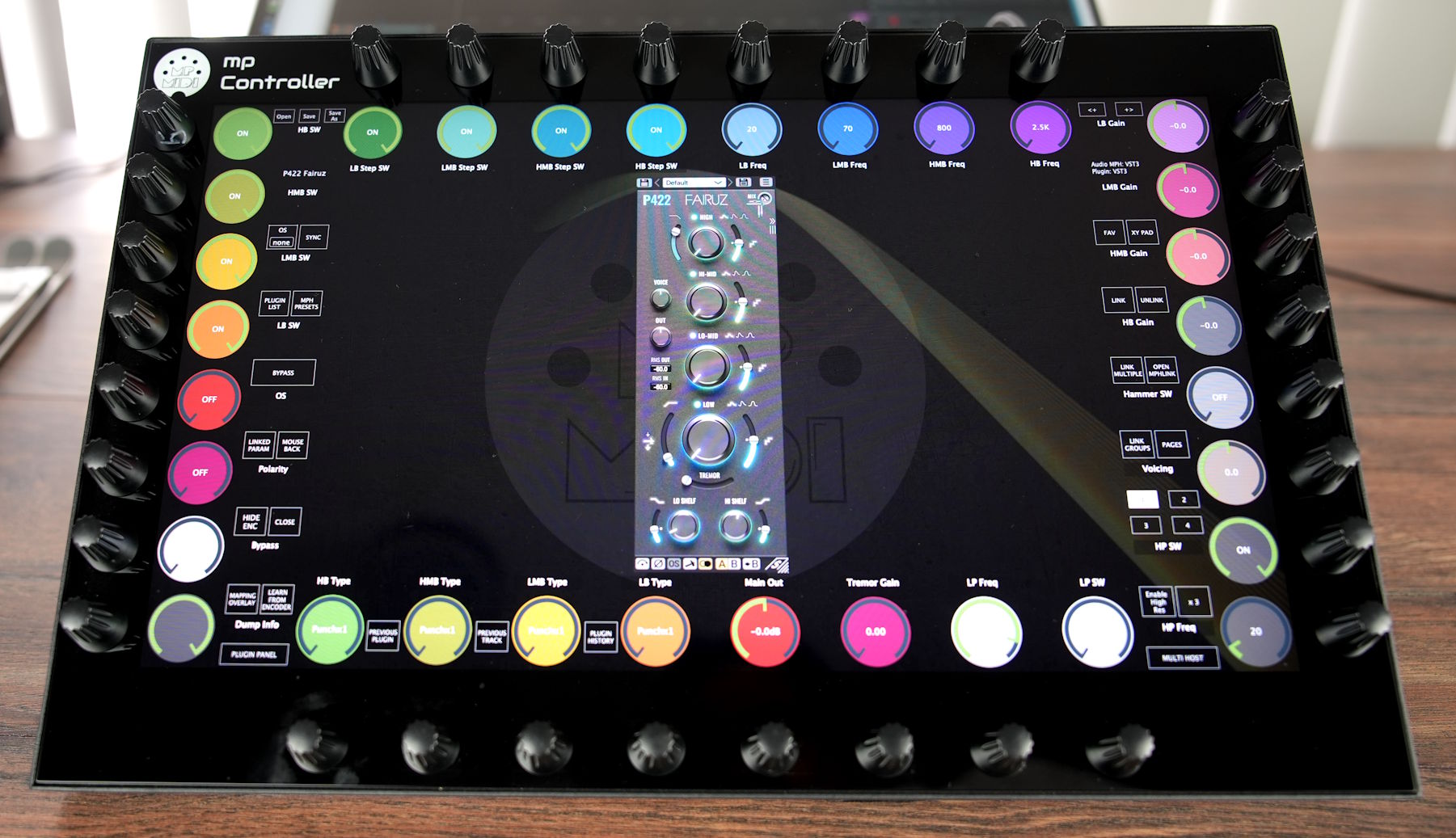
Muscle memory when you want it, full plugin depth when you need it.
The MP Controller Model 2A maps every parameter to one of 32 endless encoders, so you build muscle memory the normal way and keep ADSR, filter, oscillator or mixer controls in the same place across plugins. The 15.6-inch touchscreen shows the parameter name and value, runs parameter identification, and renders the plugin itself, so complex plugins stop being guesswork. It controls VST3, AU and VST2 plugins through the MP Host plugin, including in Pro Tools via an AAX bridge.
It is solving a different problem
That is what changed my perspective. I do not see this as trying to emulate a traditional fixed console. It is solving a different problem. It gives you the muscle memory of a dedicated controller when you want it, while still giving you access to the full depth of modern plugins when you need it. You stop choosing between the two.
Bottom line
The muscle-memory-versus-screen argument is a false choice. A fixed layout earns muscle memory but cannot fit every plugin you own. A flexible controller can do both: keep consistent layouts where you want them, and open up the full parameter set of complex plugins where you need it. The MP Controller puts every parameter on a physical encoder, shows you the name and value of what you are touching, identifies any control on a single click, keeps every instance in sync, and puts the plugin on its own display. That is muscle memory without sacrificing flexibility.
See pricing and order the MP Controller Explore the featuresFAQ
Does a touchscreen controller mean you lose muscle memory?
No. Every parameter is mapped to a physical endless encoder, so you build muscle memory the same way you would on a fixed-knob controller. You can keep ADSR, filter, oscillator or mixer controls in the same locations across plugins and let those positions become second nature. The display handles the plugins that a fixed set of knobs cannot cover, rather than replacing the encoders.
Can one controller give both consistent layouts and full plugin depth?
Yes, and that is the whole point. A fixed layout gives muscle memory but limits you once plugins have different workflows and parameter counts. The MP Controller lets you keep consistent layouts when you want them and exposes the full parameter set of complex plugins when you need it. With Pro-Q 4 you can switch between a detailed mapping of one band per page and a simpler preset showing four key controls across eight bands.
What is the biggest workflow killer with MIDI controllers?
It is not the lack of muscle memory. It is not knowing what a control is currently assigned to, or having controls out of sync when you move between plugin instances. Seeing the parameter name and value of whatever you are touching solves both, and the controller keeps every value in two-way sync across instances.
Do you have to use the touchscreen?
No. Everything is mapped to physical encoders, so you can work entirely on hardware if you prefer. Touch is most useful for buttons, switches, navigation, selecting devices and moving around the project, but it is optional for parameter control.
How do you find a control you do not recognise?
Use parameter identification. Click a parameter in the DAW and the controller instantly jumps to the correct page and flashes the assigned encoder. If you are looking for Delay Time and do not know where it is mapped, one click shows you exactly where it lives.
Topics: MIDI controller muscle memory muscle memory vs flexibility plugin MIDI controller automatic parameter mapping parameter identification touchscreen MIDI controller consistent controller layout plugin navigation controller control surface for plugins